Interactive game maker: pick a game and try it right away
Make an interactive activity online for a lesson or class — free and with no sign-up: type in your own words, questions or pictures, then play on screen or print right away. Saving games and sending them to kids comes with signing up.
All game makers
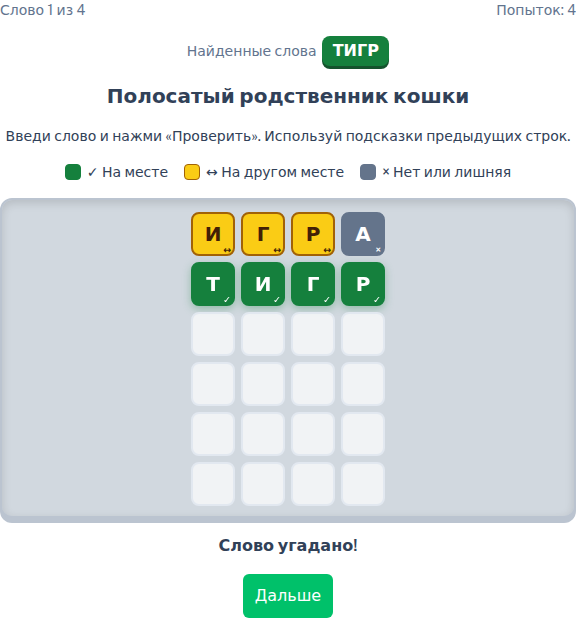 Guess the word: by attemptsNewGuess a whole word from a question or picture: coloured letters guide you within the chosen number of attempts.
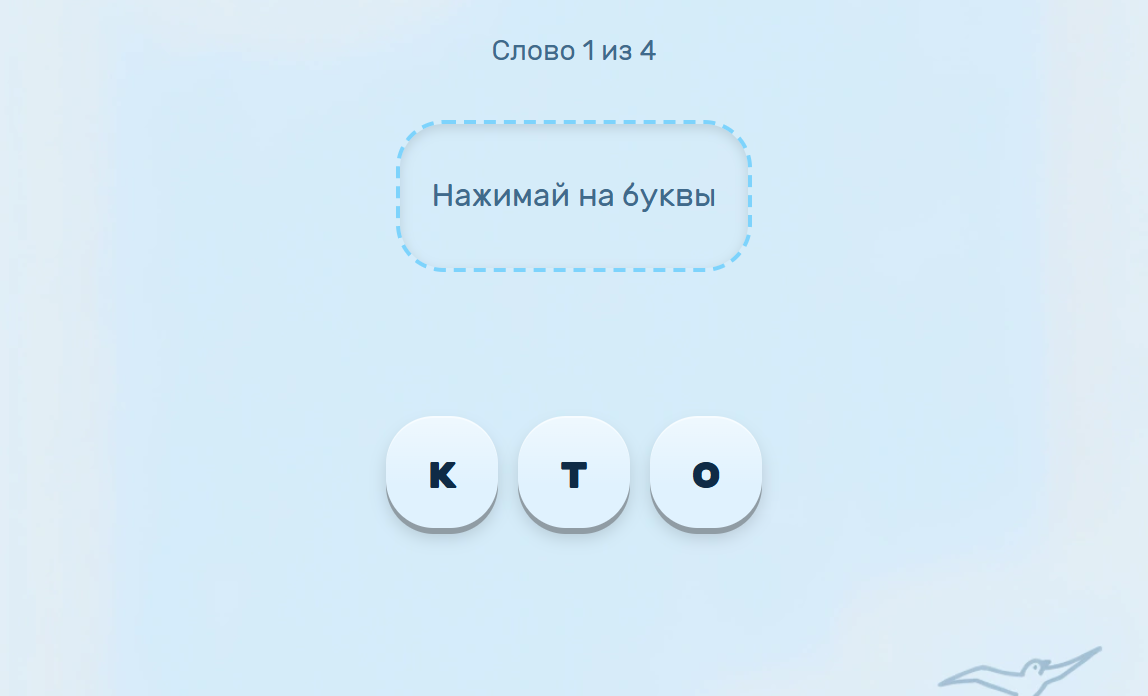 AnagramWord scramble: the letters of your word are mixed up — put it back together.
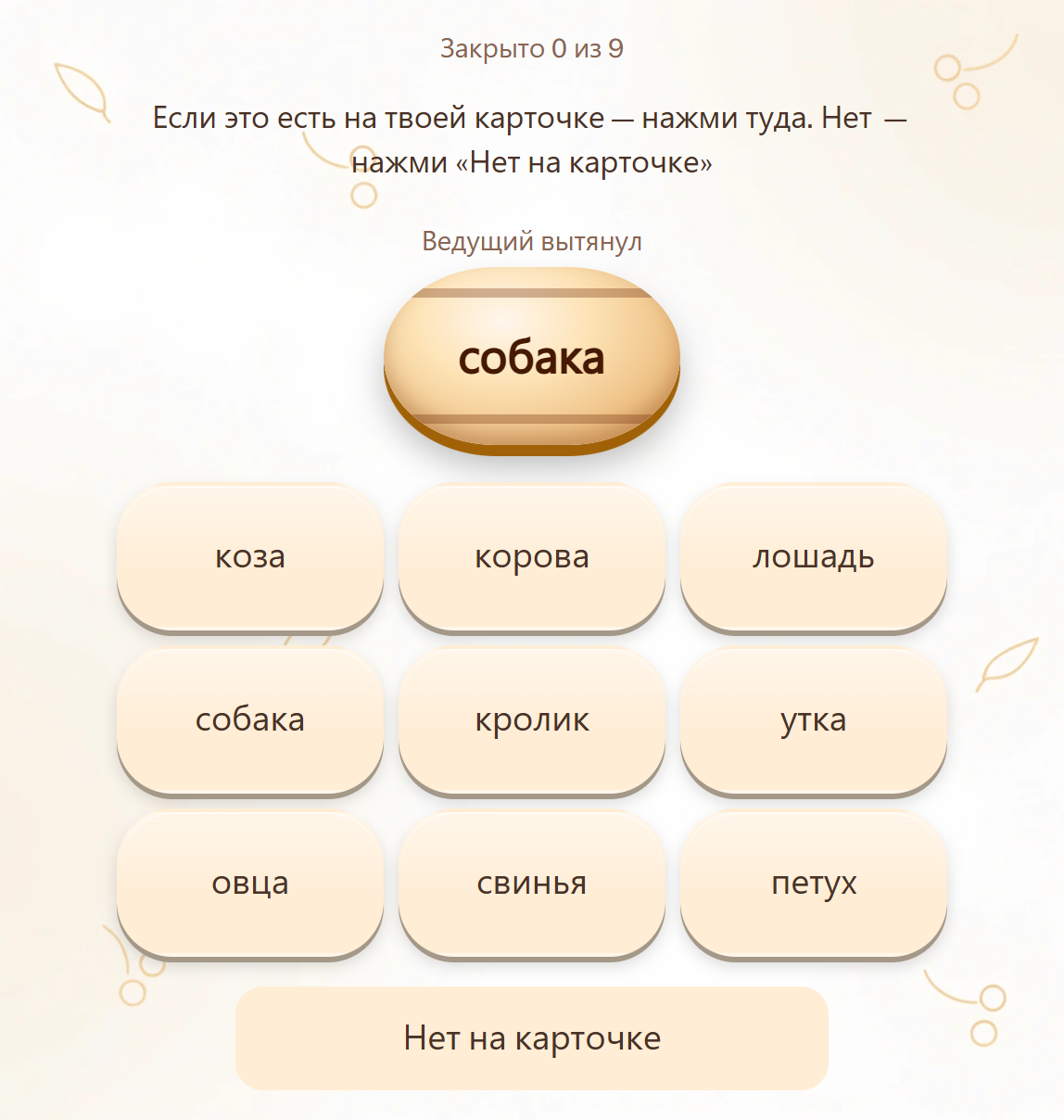 BingoBingo: the child has a card, the caller draws one at a time — if it is there, cover it.
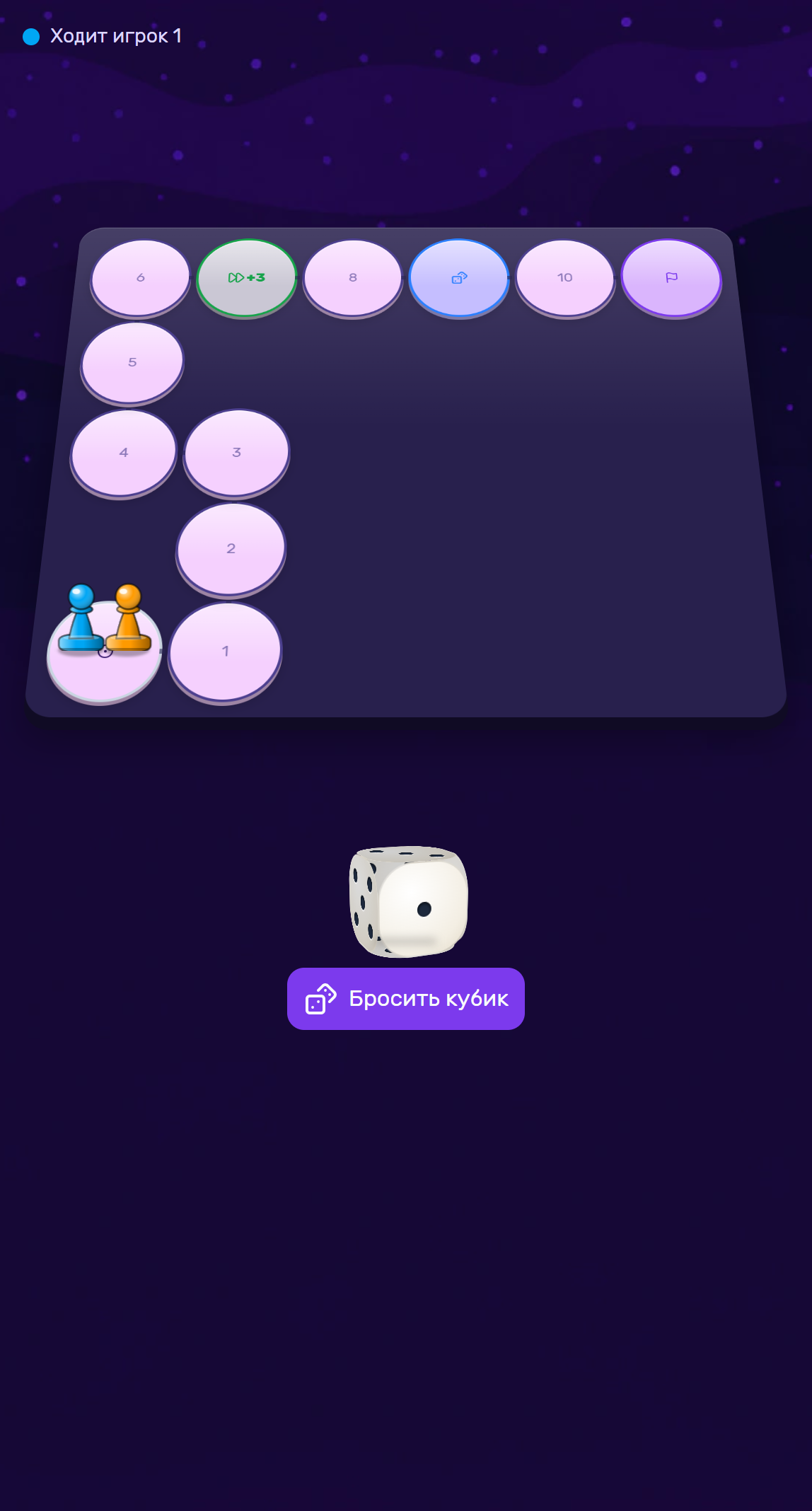 Board gameRoll the dice, step along the track — answer a question from your list.
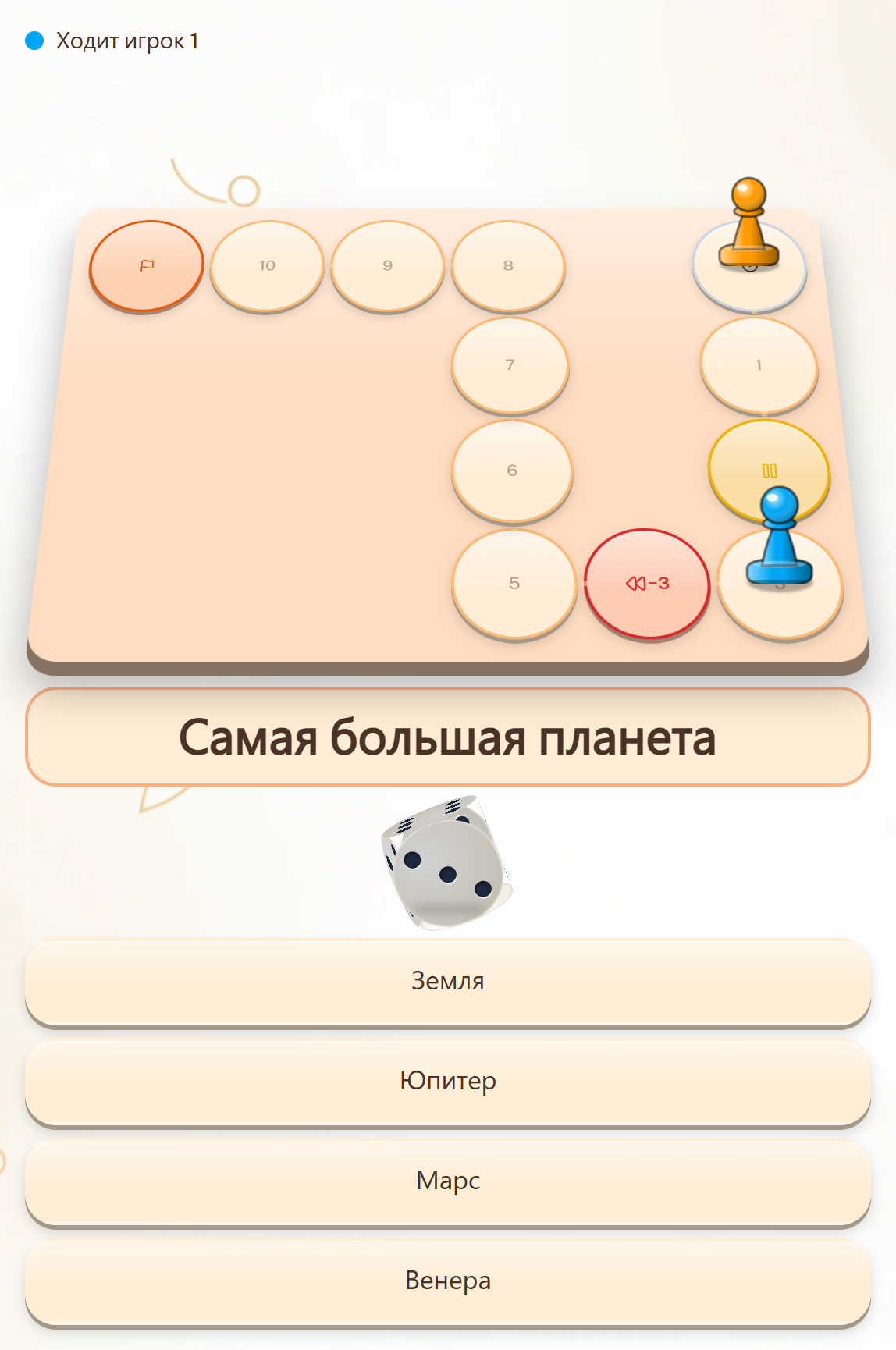 Board game with optionsThe same track, but the answer is picked from your options.
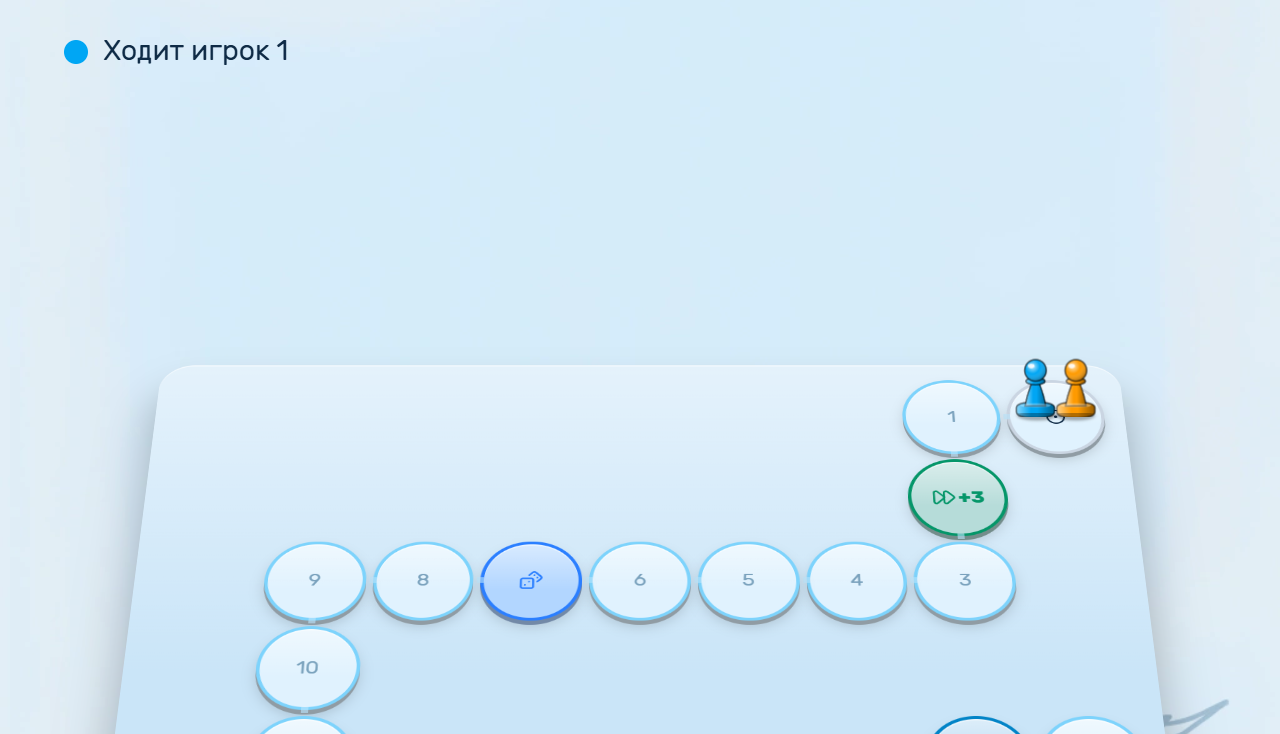 Board game: large boardThe same board game, full screen and with a longer track.
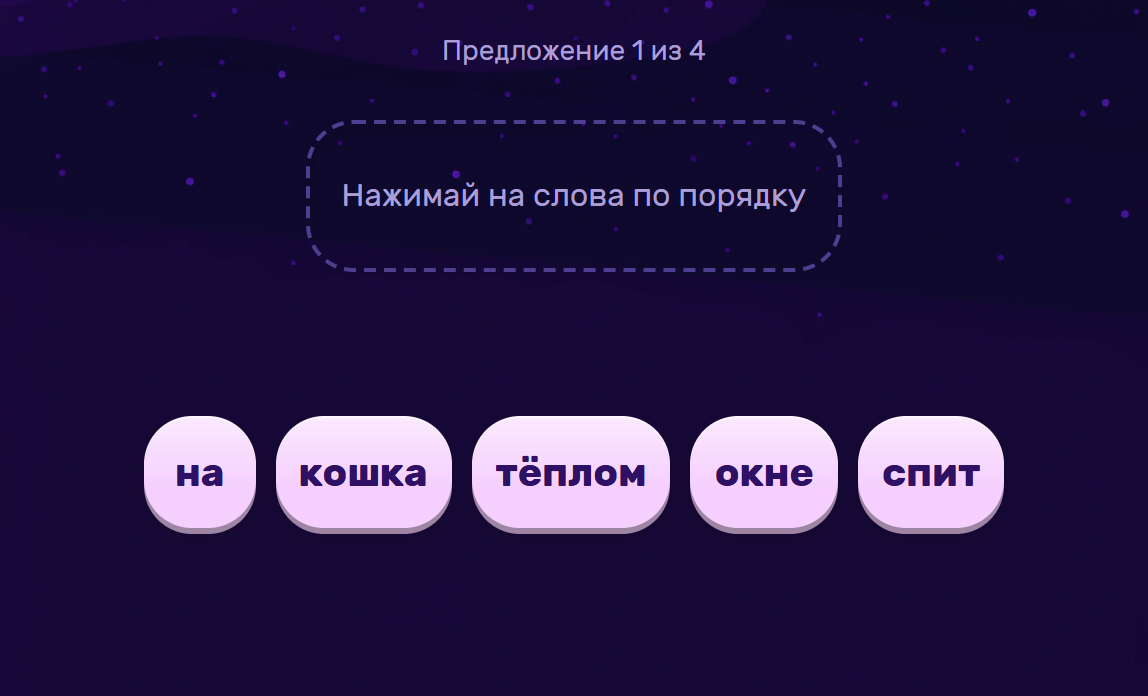 Build a sentenceBuild a sentence from words: they are mixed up and go back in order.
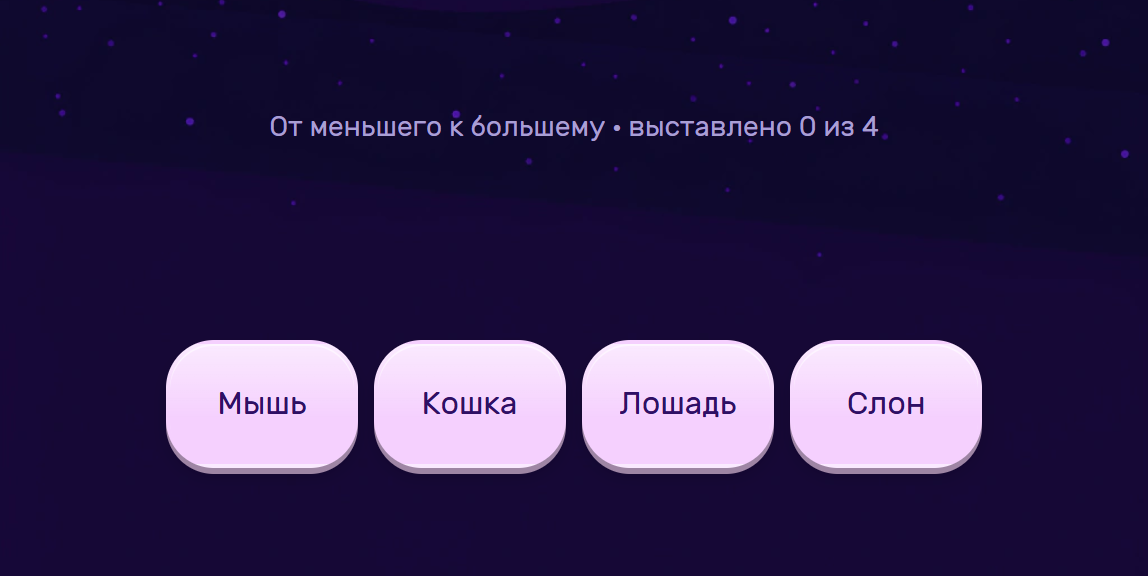 By valueOrder by size: every value carries a number.
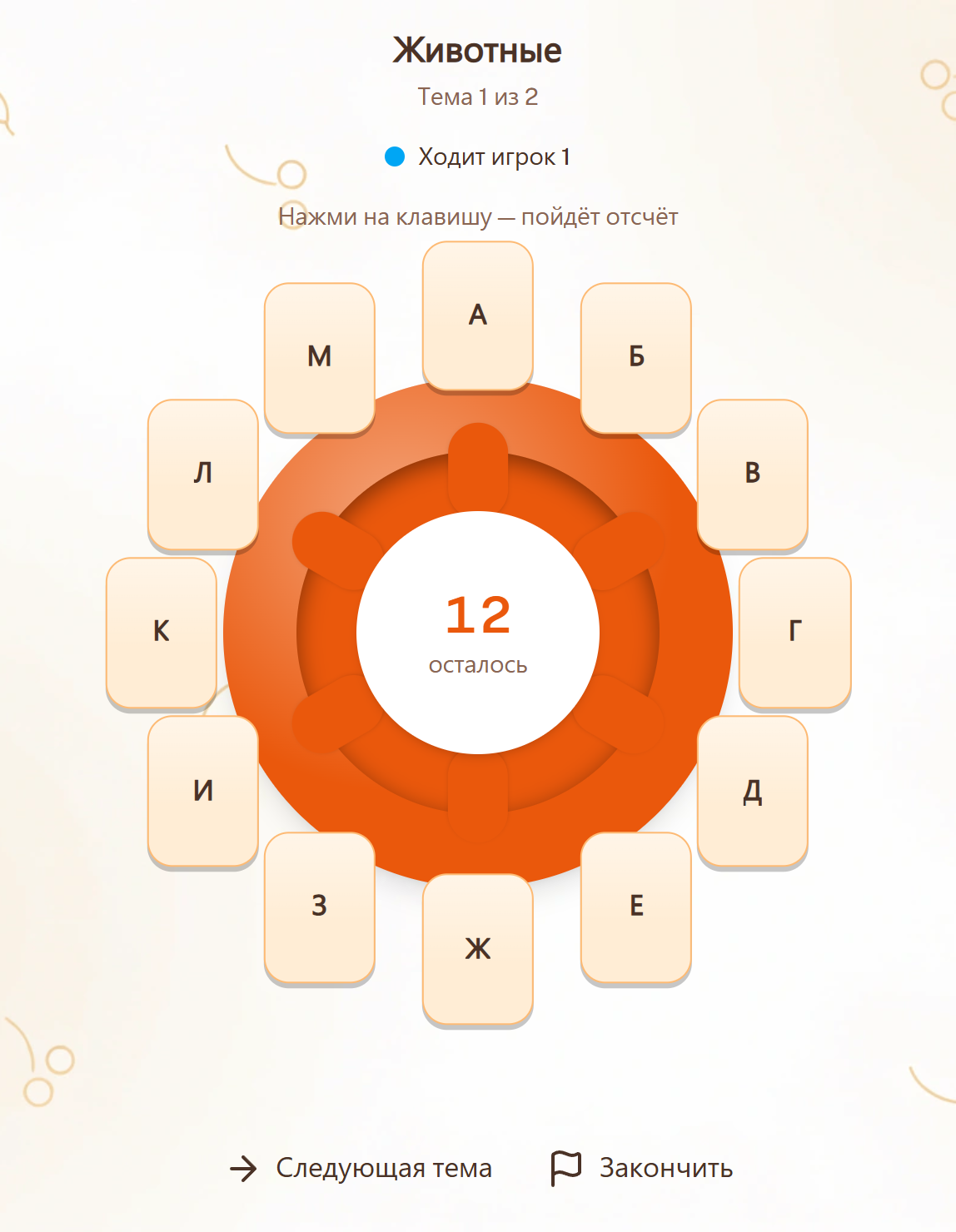 Categories gameA wheel of keys: say a word, the key goes out, players take turns.
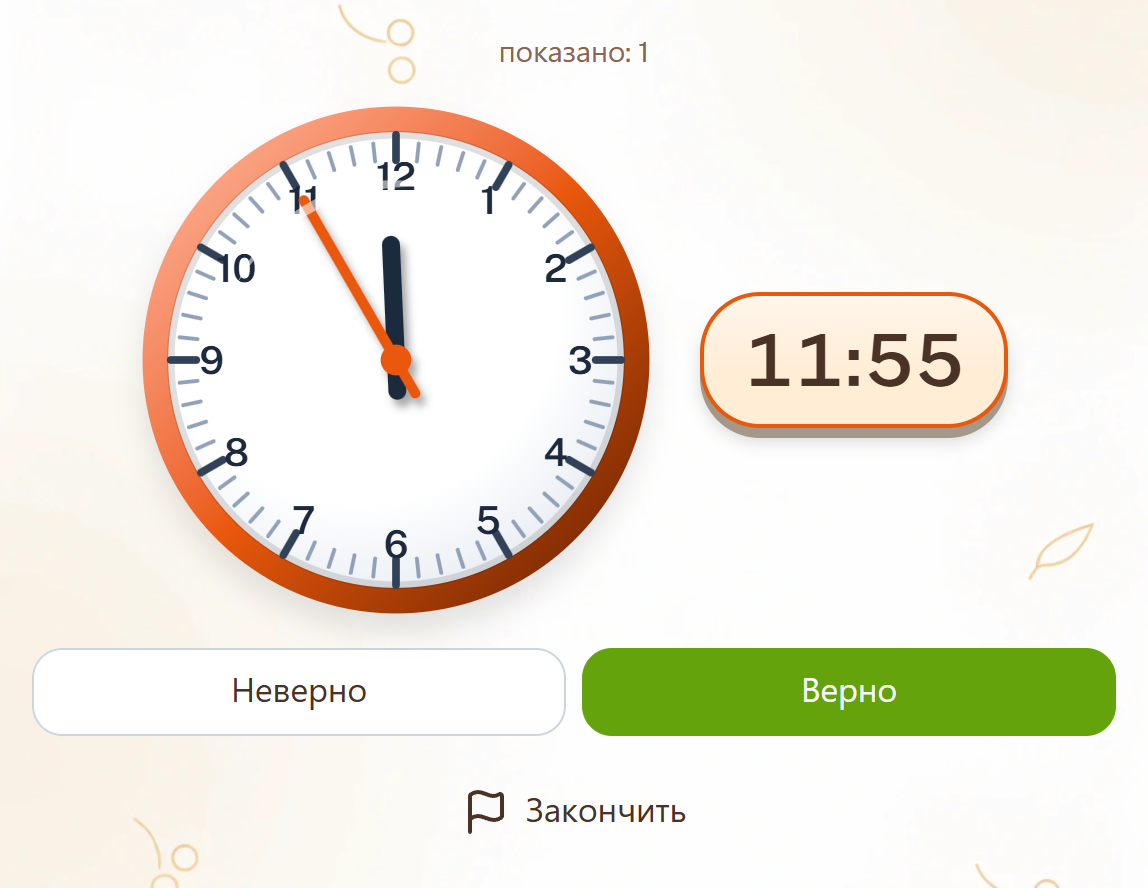 ClockTelling the time: the clock shows a random time and the child says it aloud.
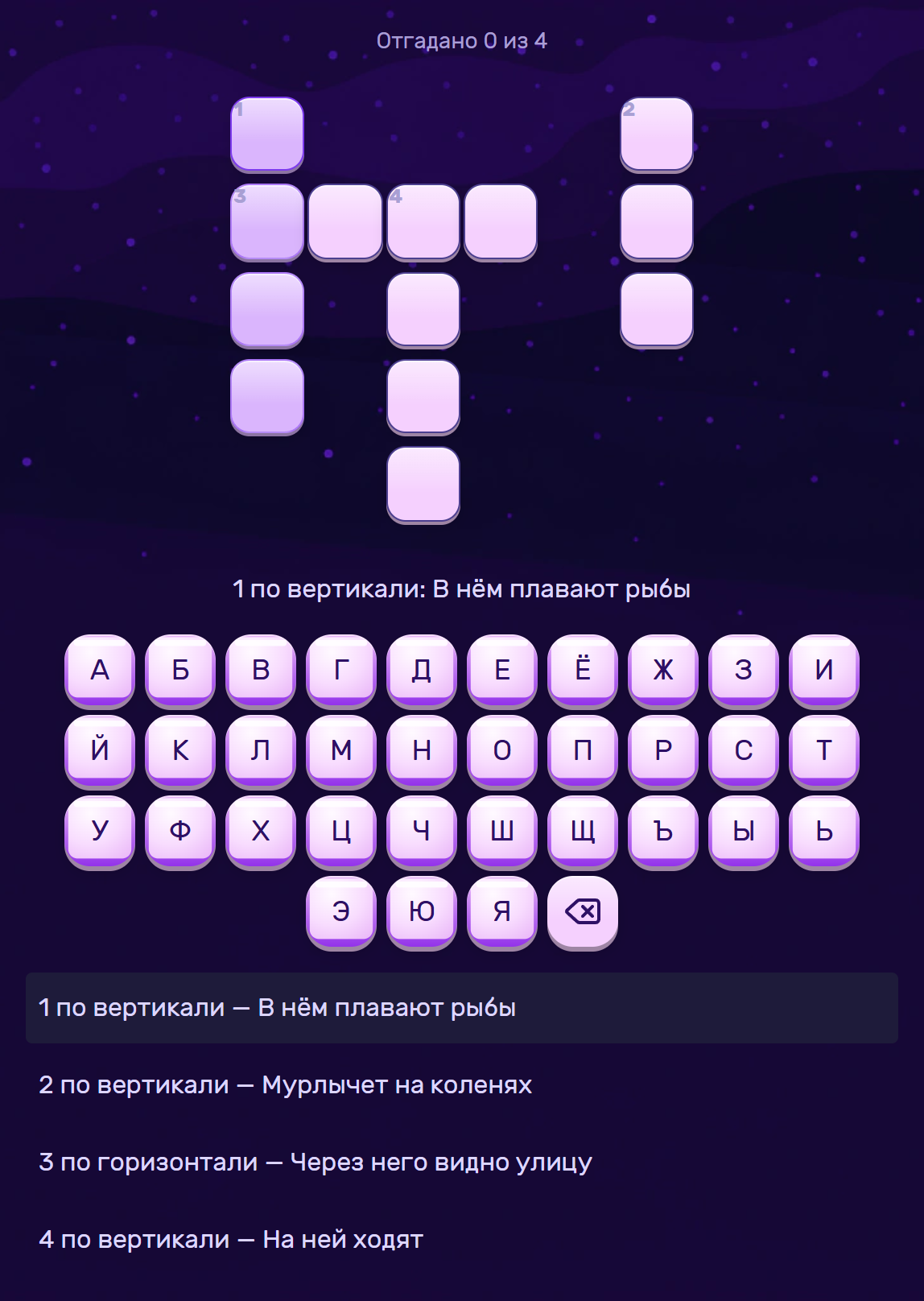 CrosswordA crossword from your words: from your clues they fall into a grid by themselves.
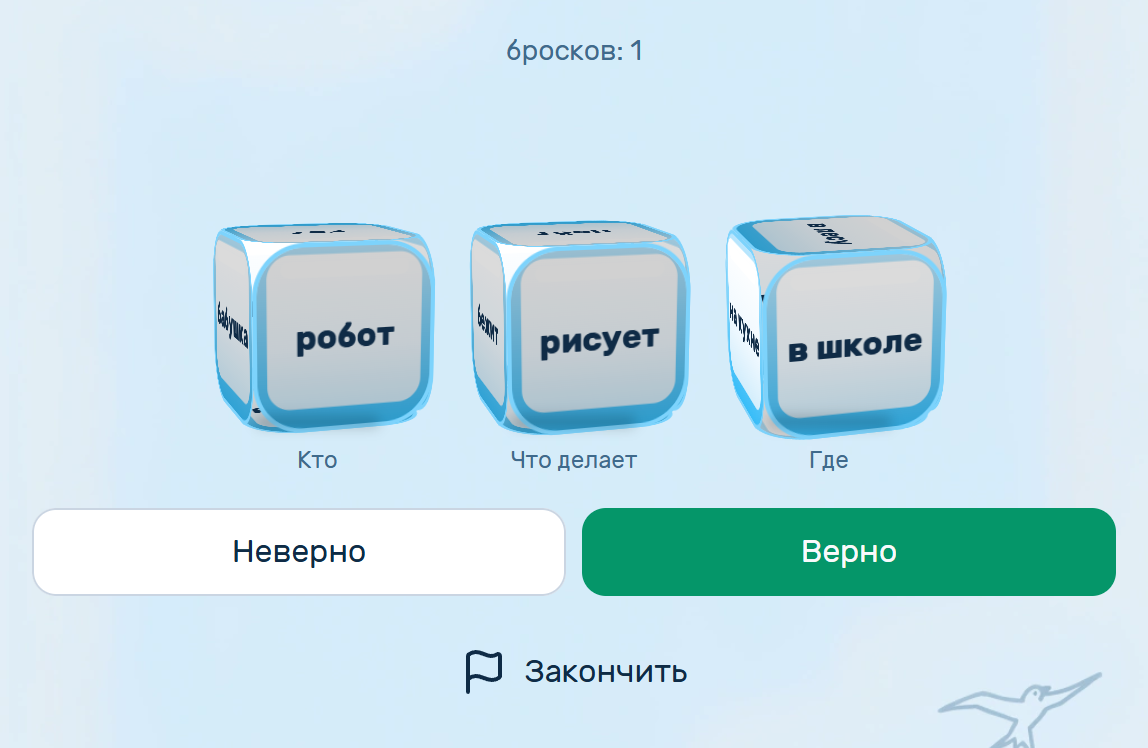 DiceOnline dice with your own faces: a roll of several dice makes the task.
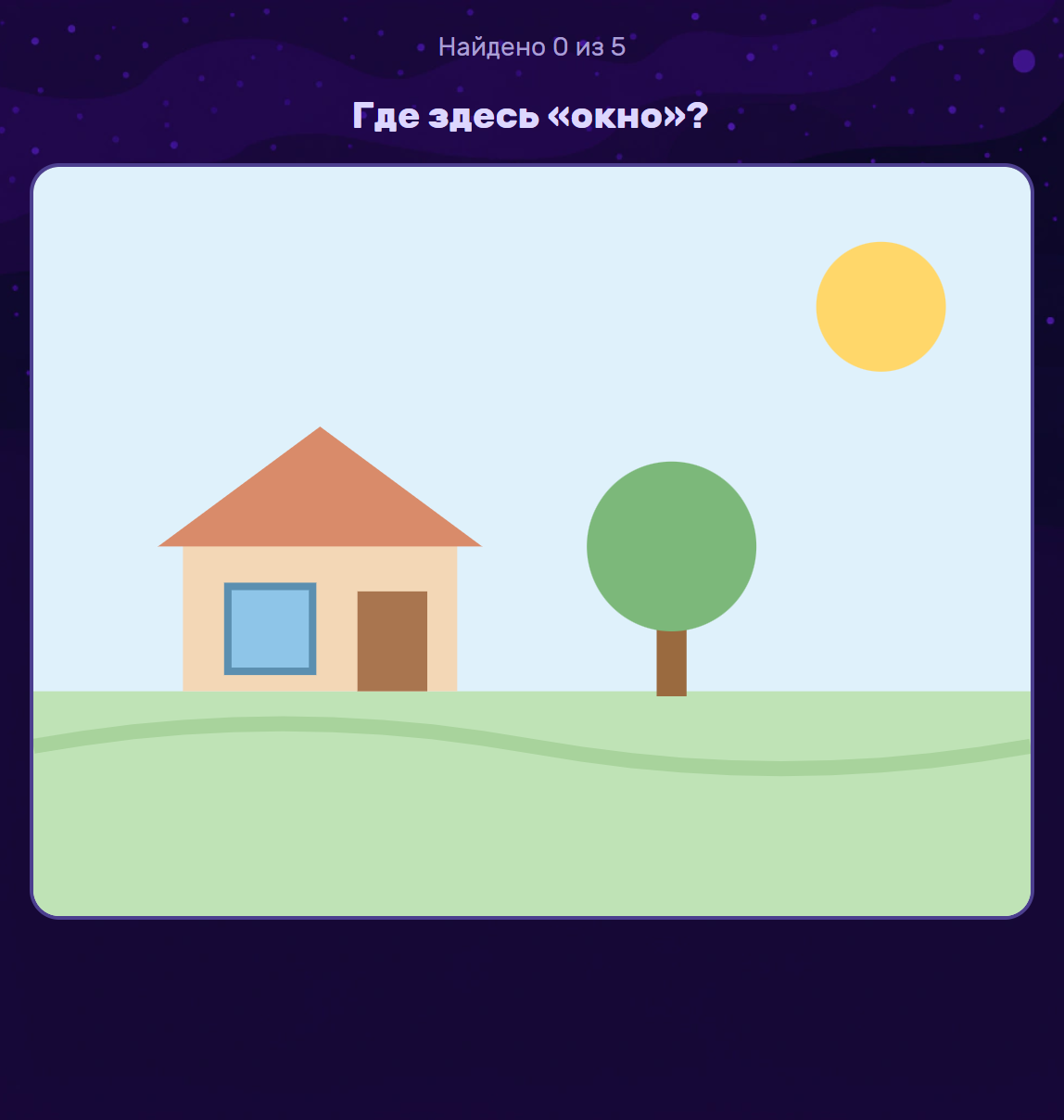 Find in the pictureFind the labelled spots on a picture.
 Flash cardsFlashcards: flip the card, look at the answer and say whether you knew it.
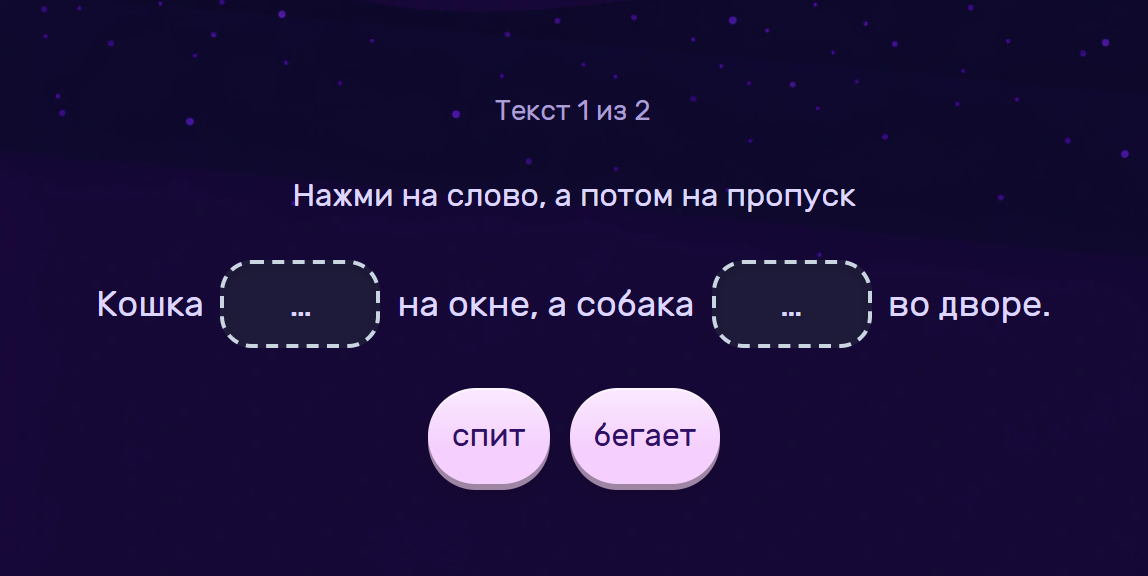 Gap fillGap fill: put the missing words back into your text.
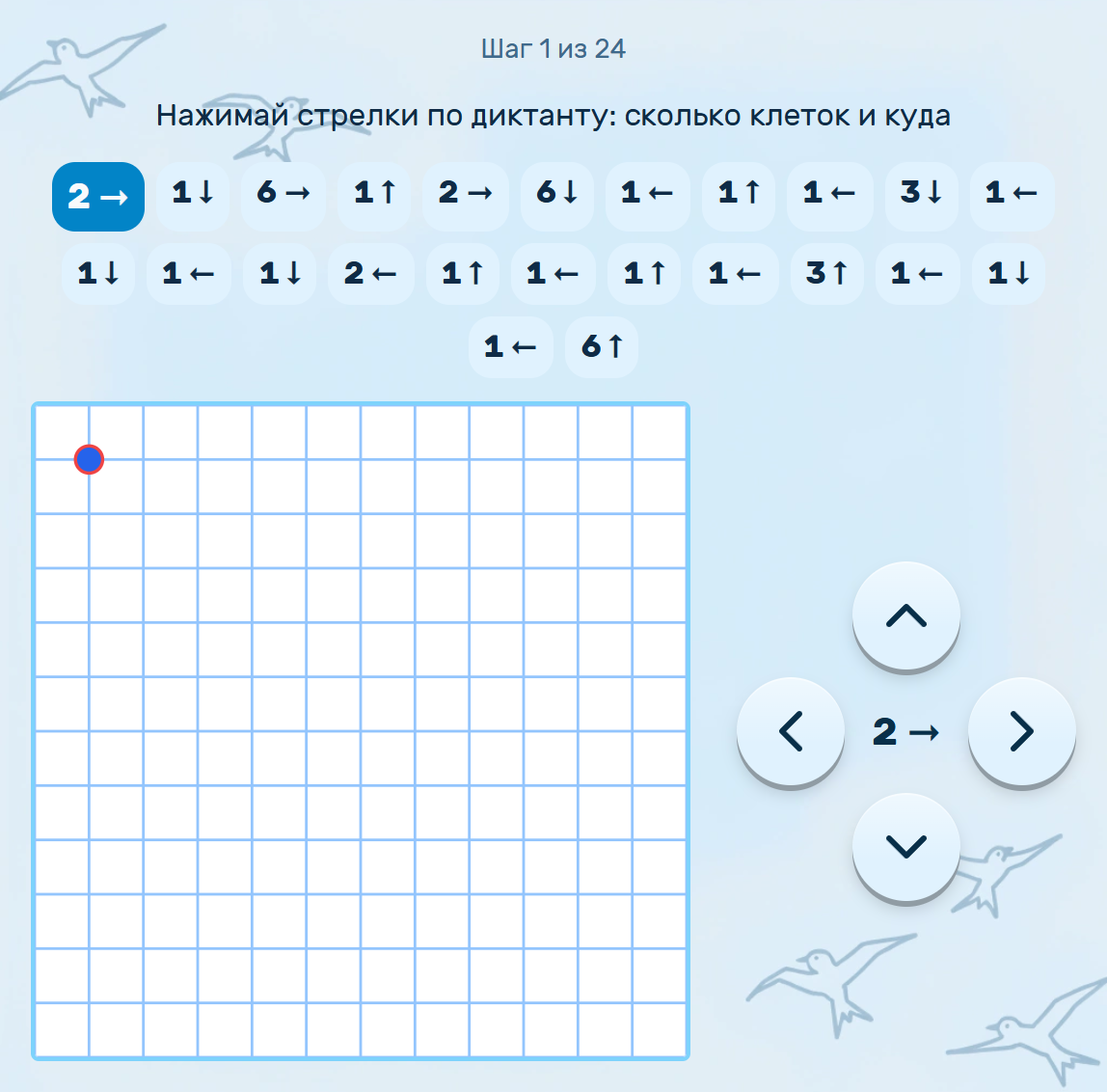 Graphic dictationA grid dictation: how many cells and which way — and a picture comes out.
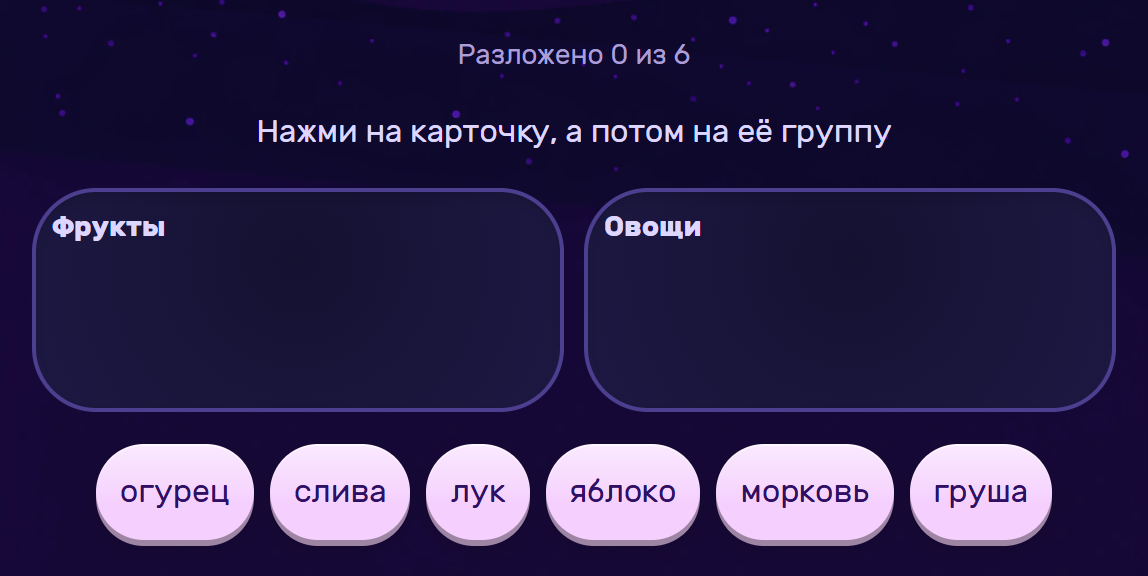 Group sortGroup sort: sort your words and pictures into categories.
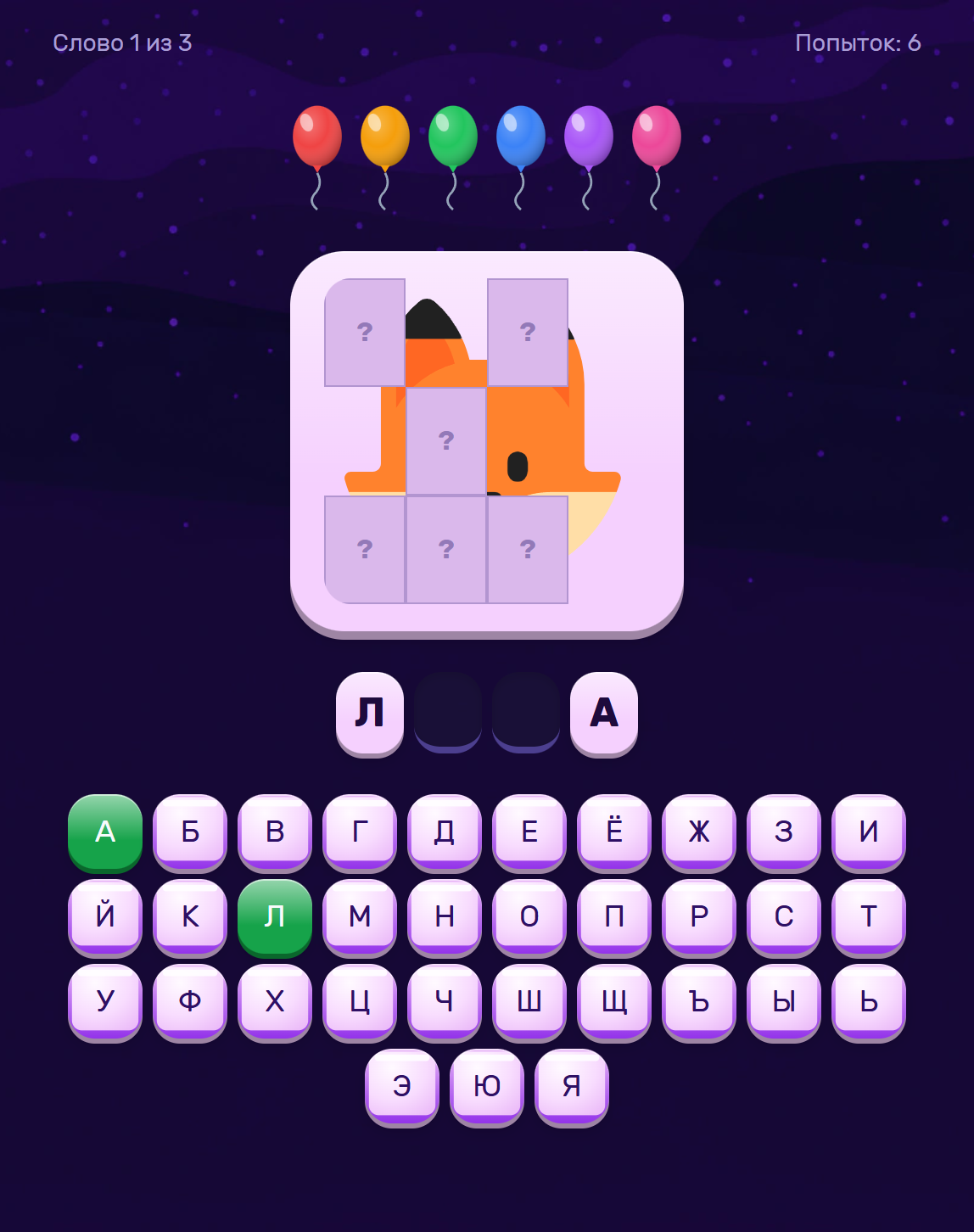 Guess the wordGuess the word letter by letter from a question or a picture while the balloons last.
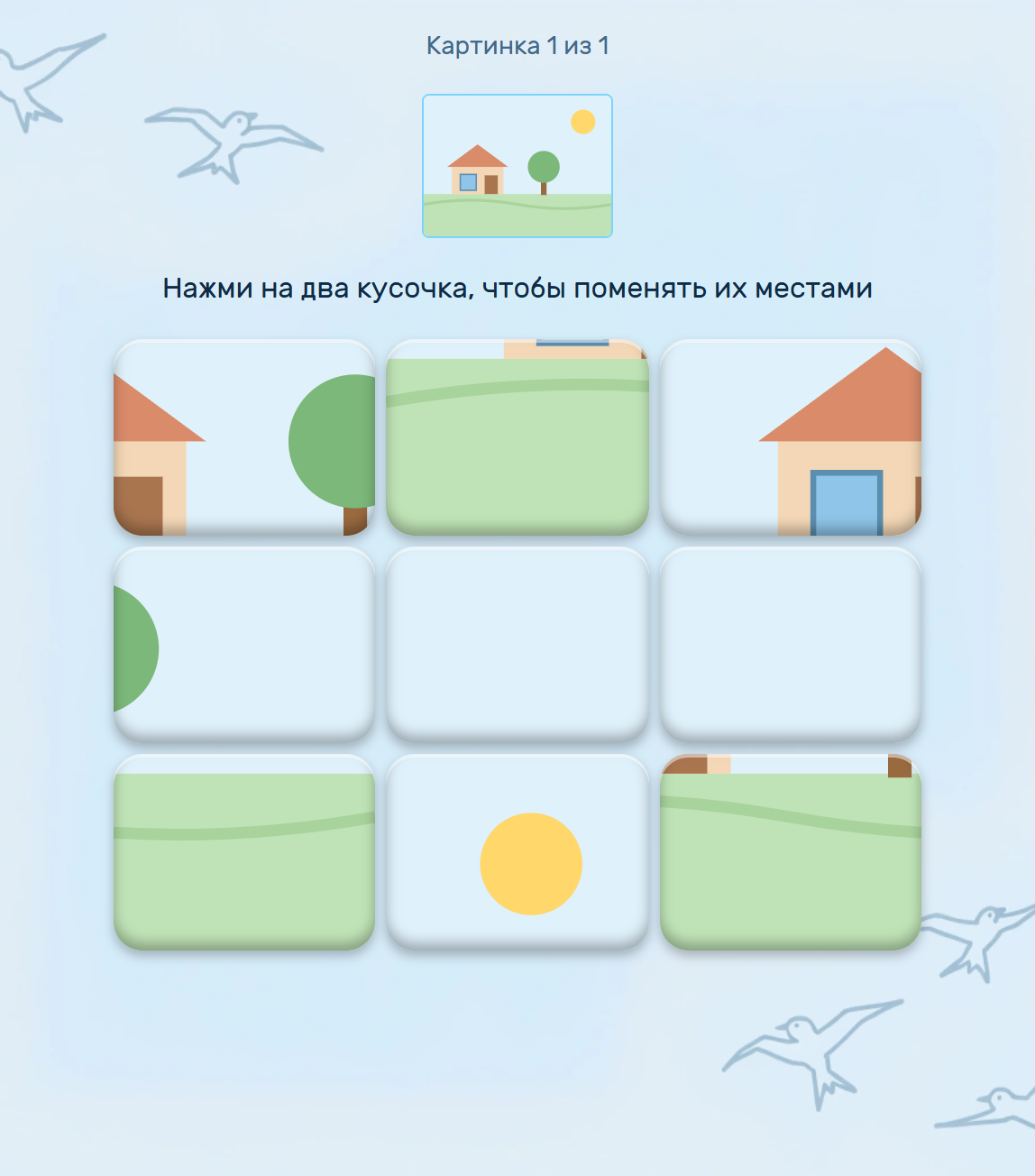 JigsawA picture puzzle: the picture is cut into pieces — put it back together.
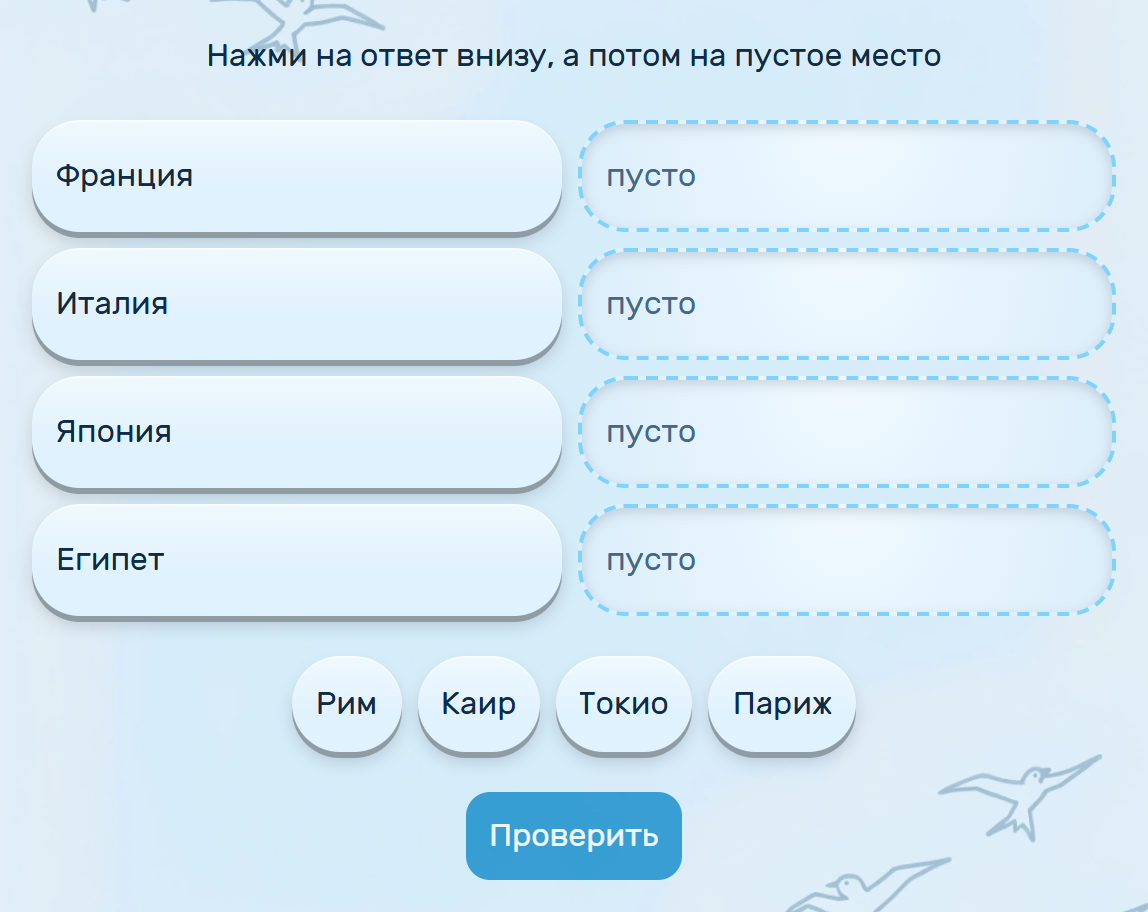 Match upJoin the pairs: every word or question gets its answer.
 Matching pairsMemory game: cards lie face down — turn two at a time and find the pairs.
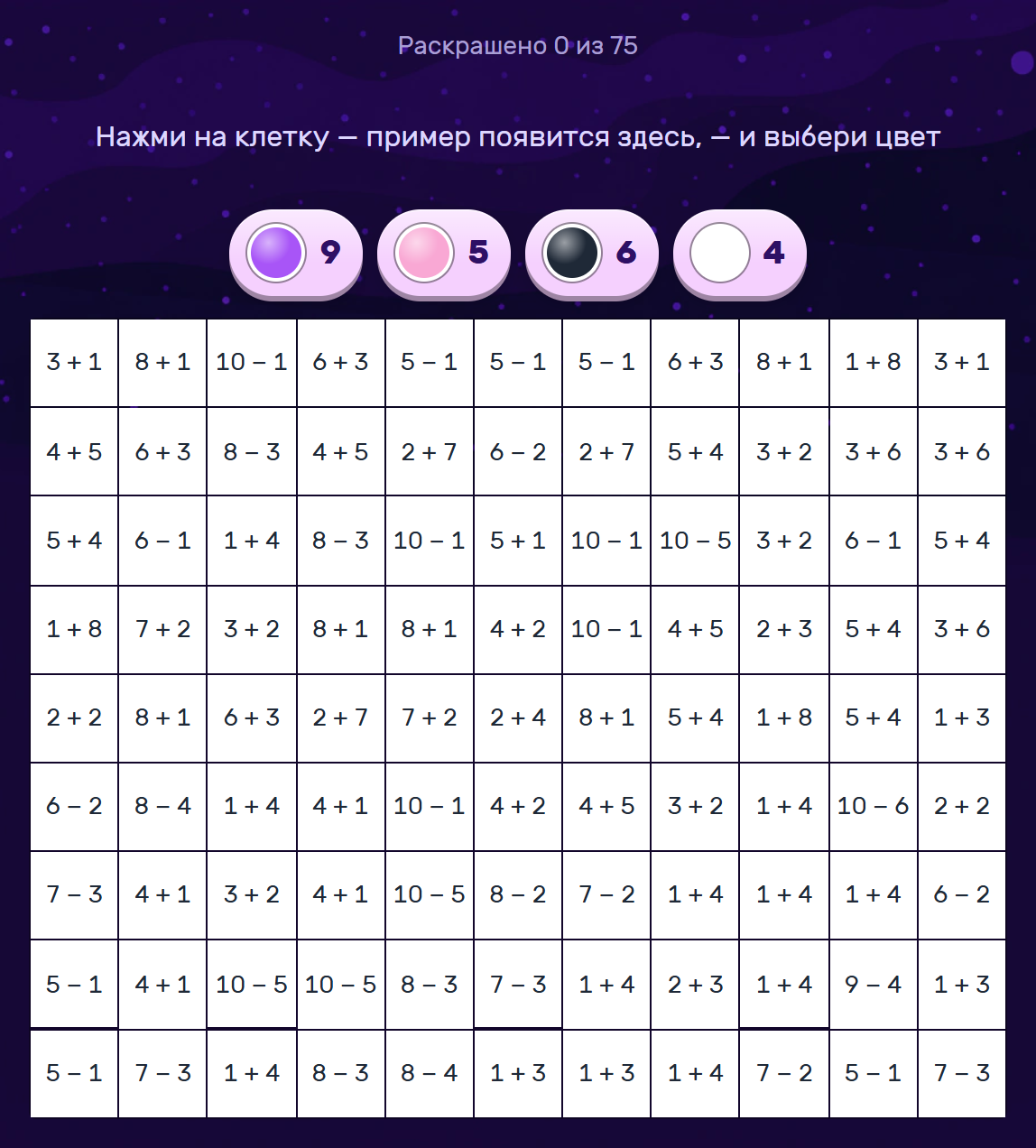 Maths colouringColour by sums: every cell holds a sum, the answer gives the colour — and a picture appears.
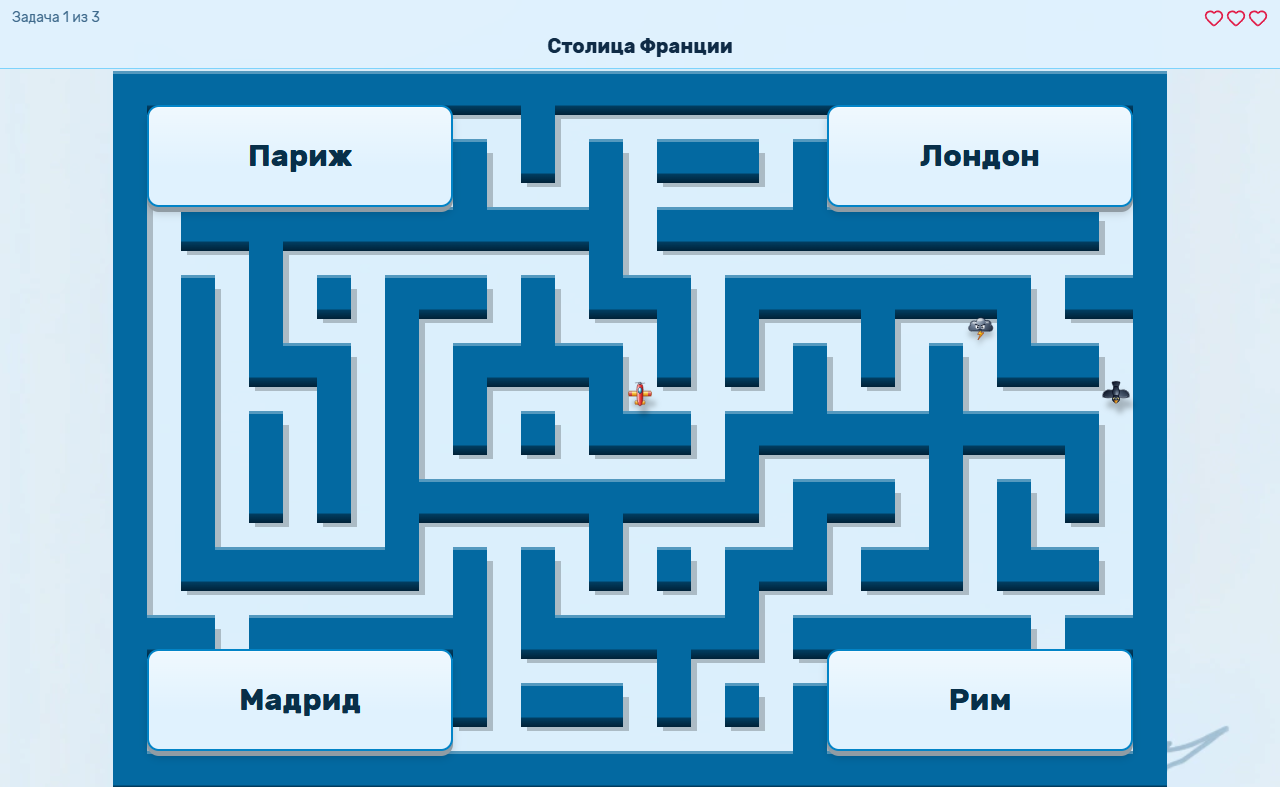 Maze chaseA maze with a hunter: collect right answers while running away.
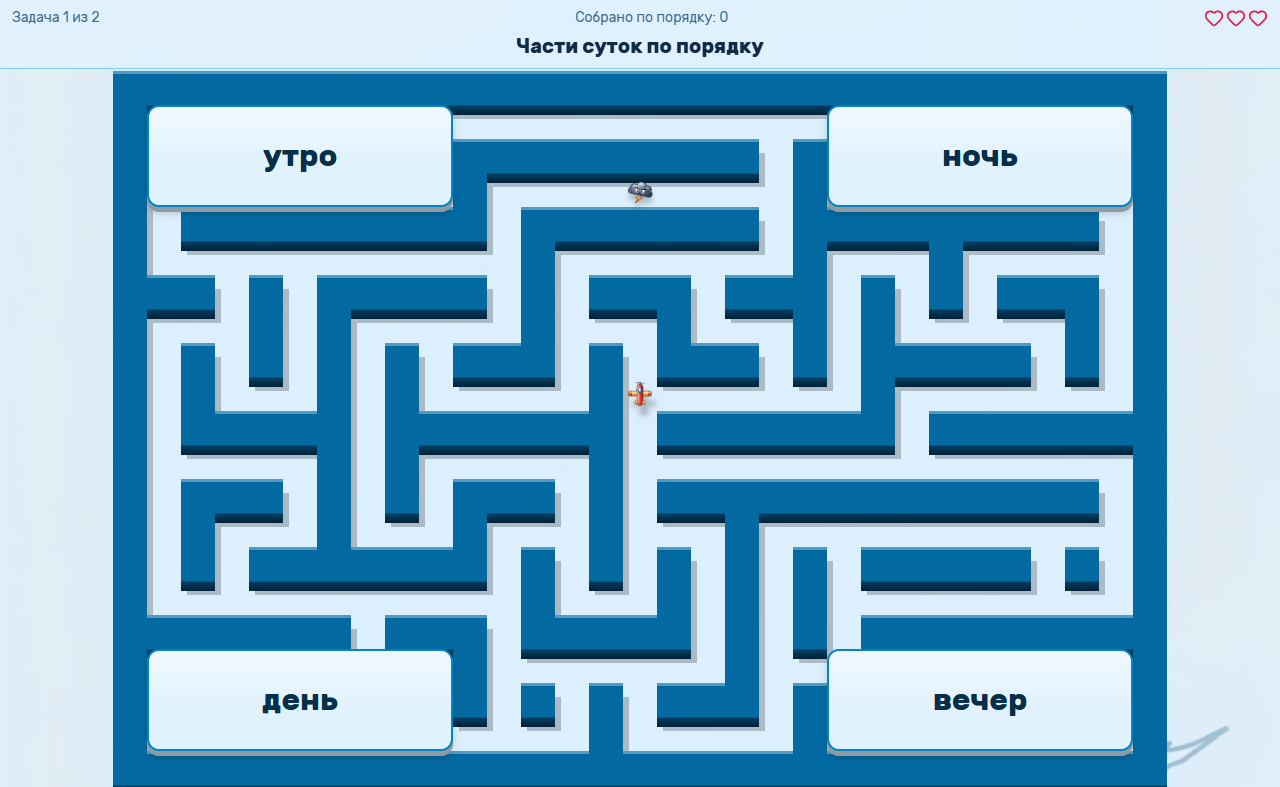 Maze: in orderCollect them in a maze in order, from first to last.
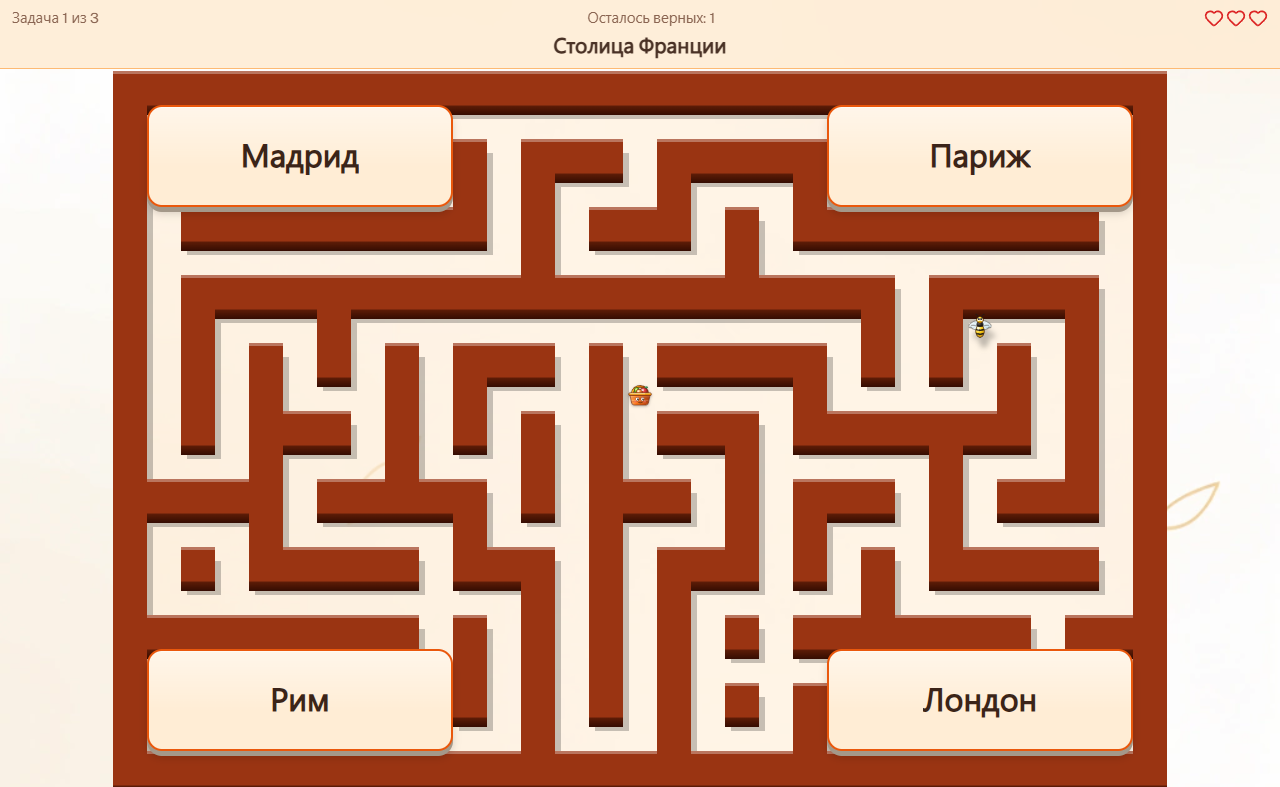 Maze: right answersCollect the right answers in a maze and avoid the wrong ones.
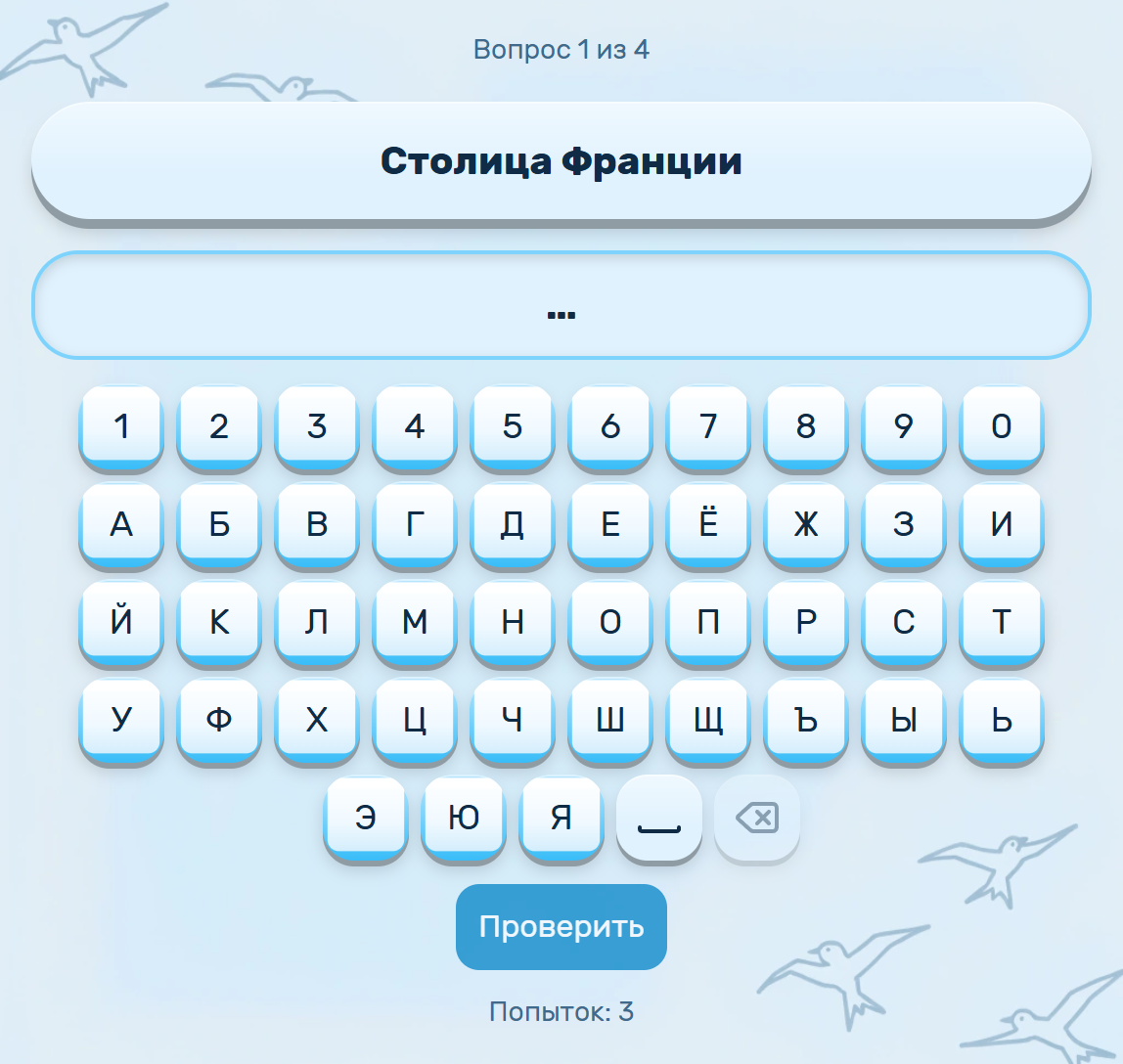 Open answerA question answered in your own words — by voice or keyboard.
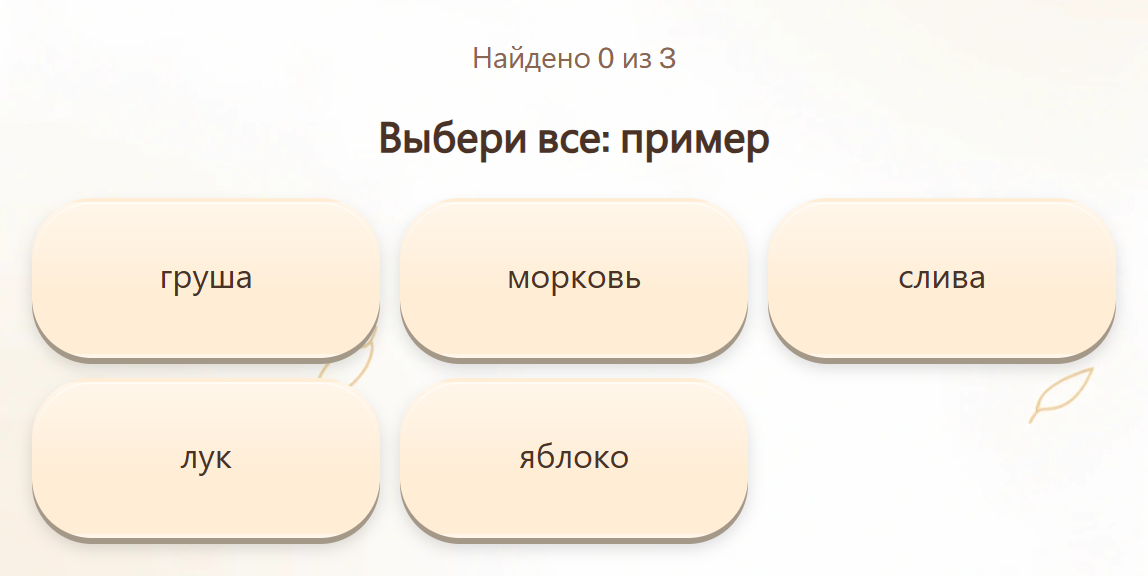 Pick allPick everything that fits and skip the rest.
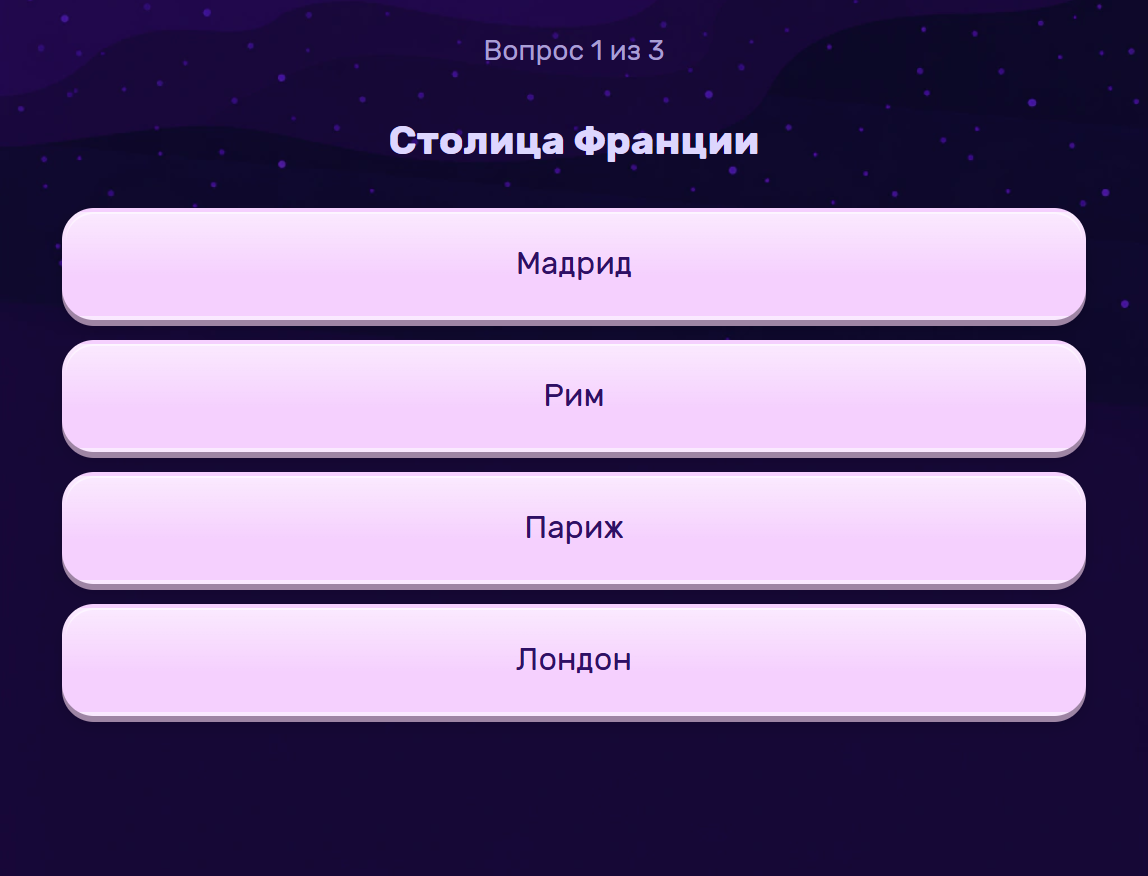 QuizA quiz: your question and answer options — choose the right one.
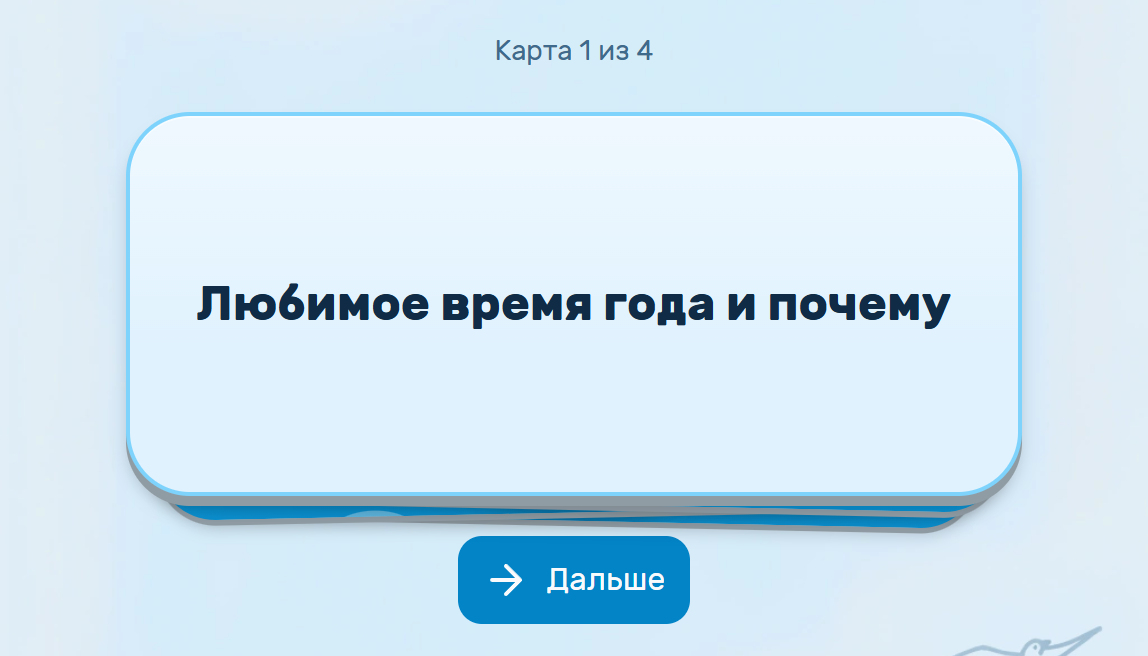 Random cardsRandom cards: a deck of your words, questions or tasks drawn one at a time.
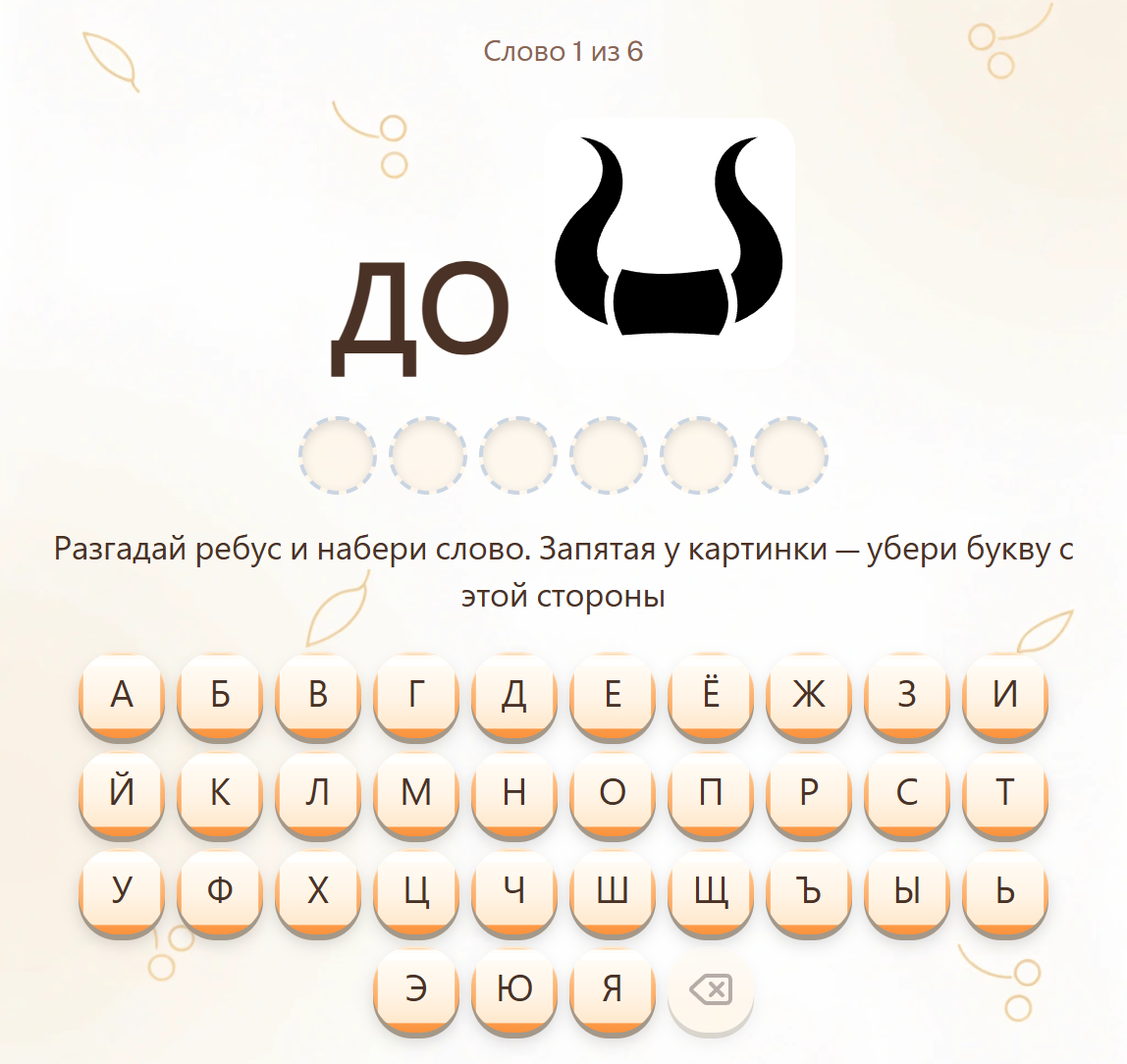 RebusA rebus of pictures, letters and numbers: they add up to a word — solve it and type it.
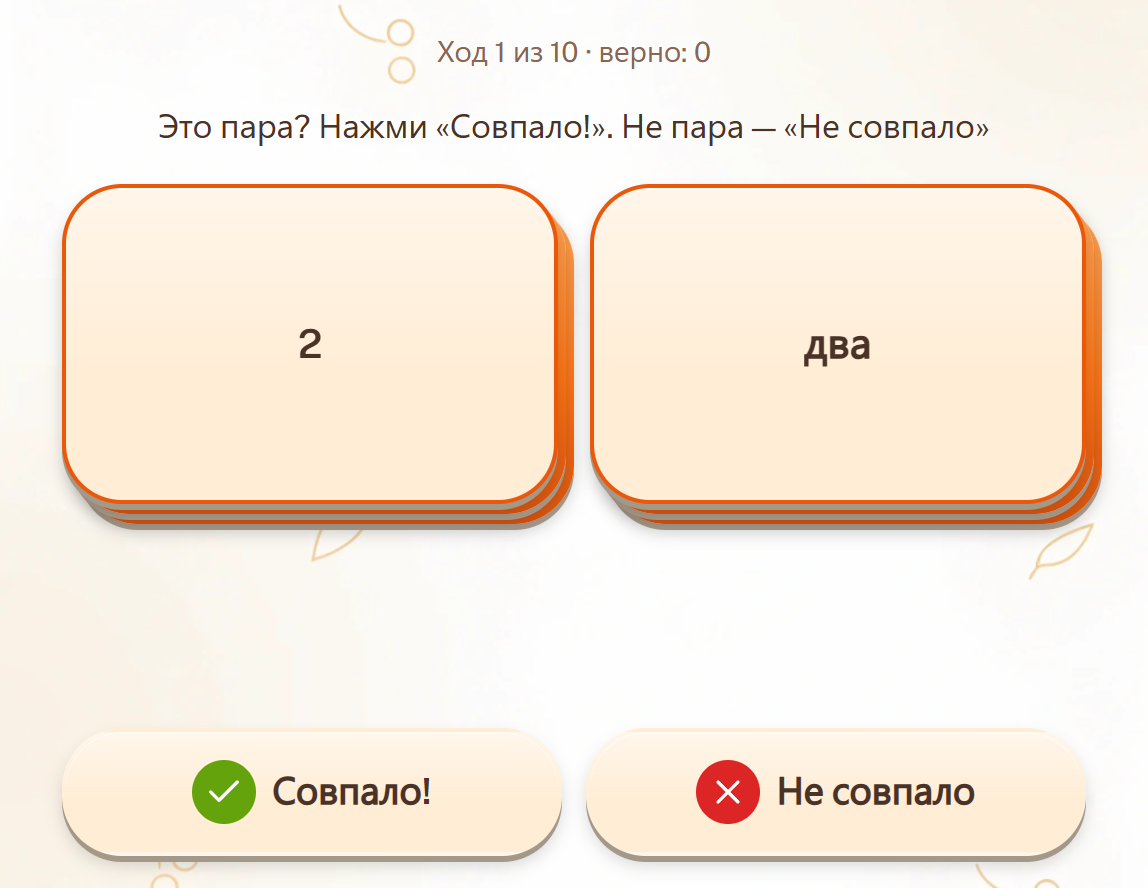 SnapTwo decks: one card from each turns over — if they make a pair, tap “Snap!”.
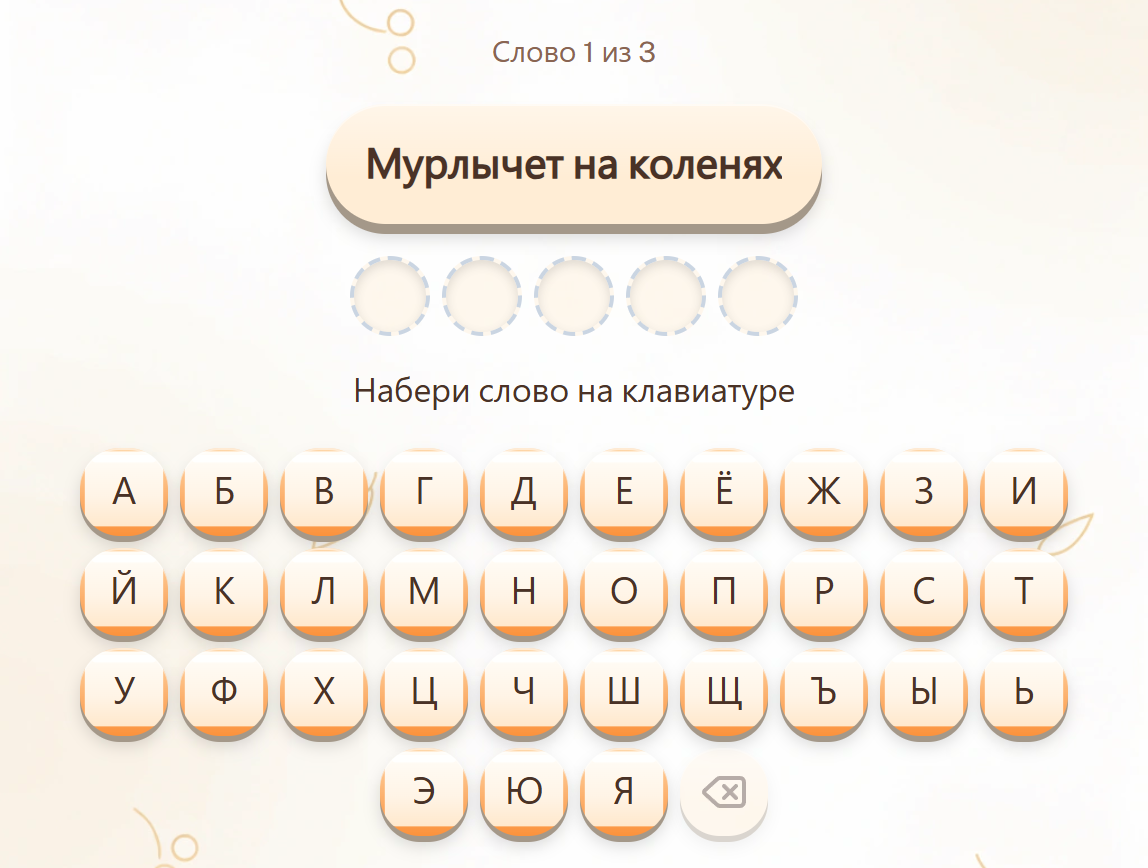 Spell the wordBuild your word letter by letter from the clue.
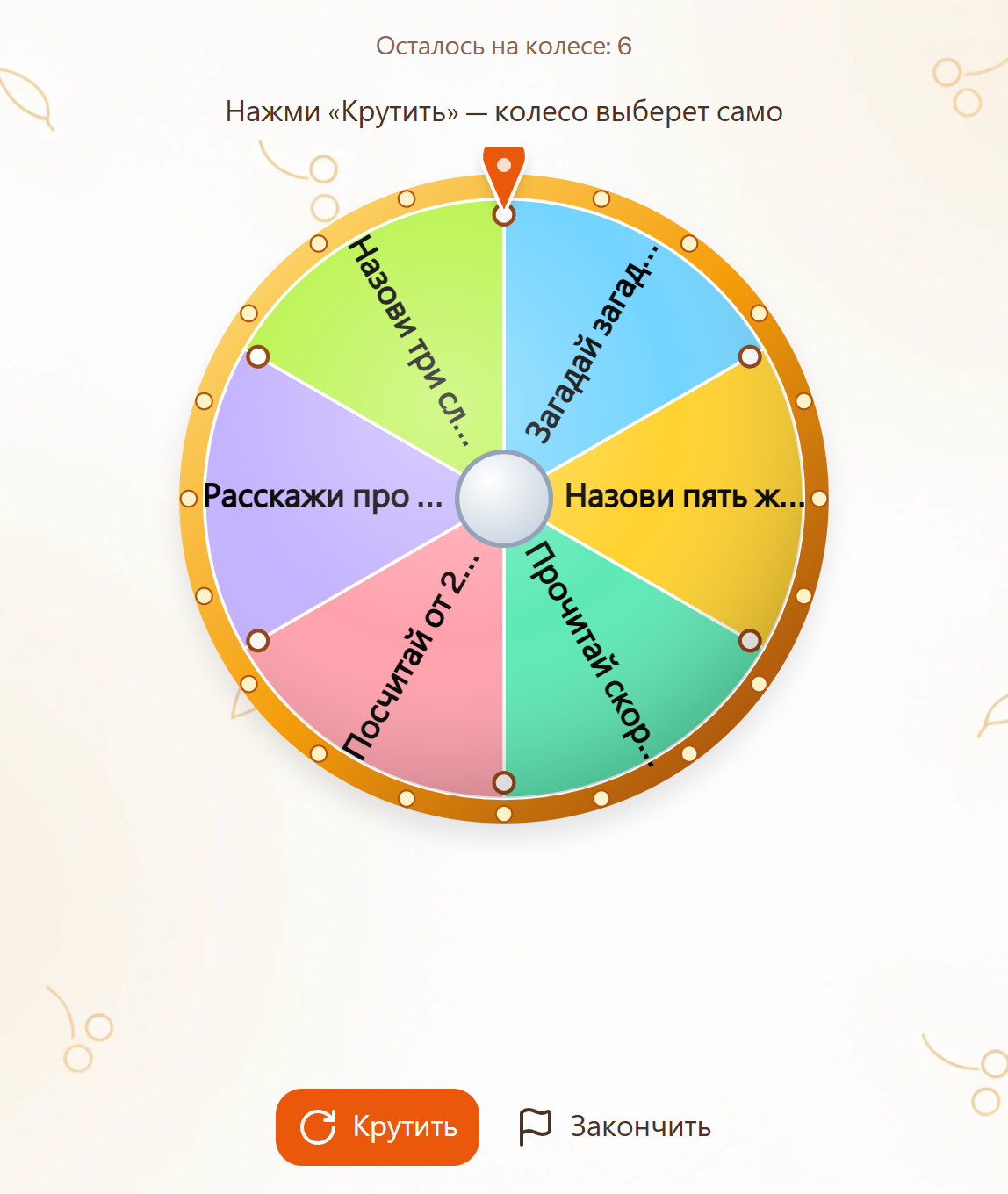 Spin the wheelSpin the wheel with your own options to pick a pupil, a question or a topic at random.
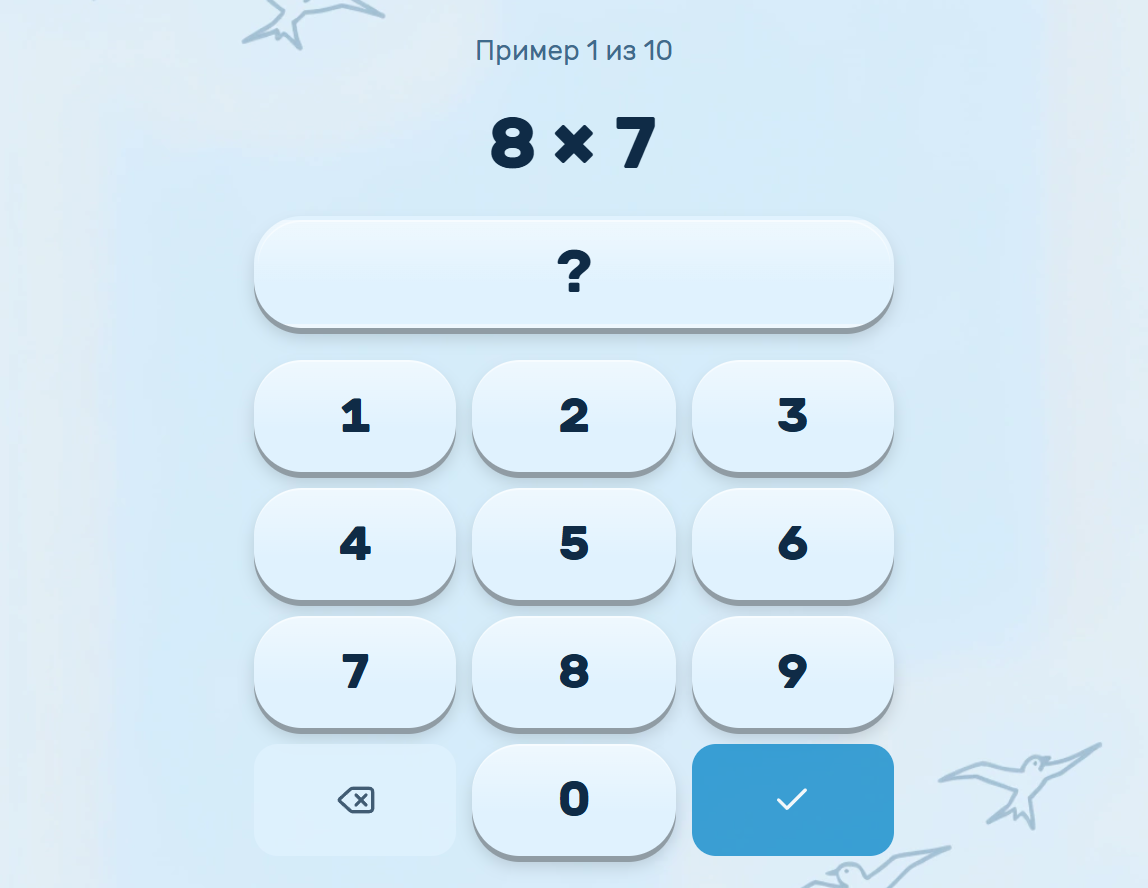 SumsA sum generator: you set the rule and the bounds, the sums make themselves.
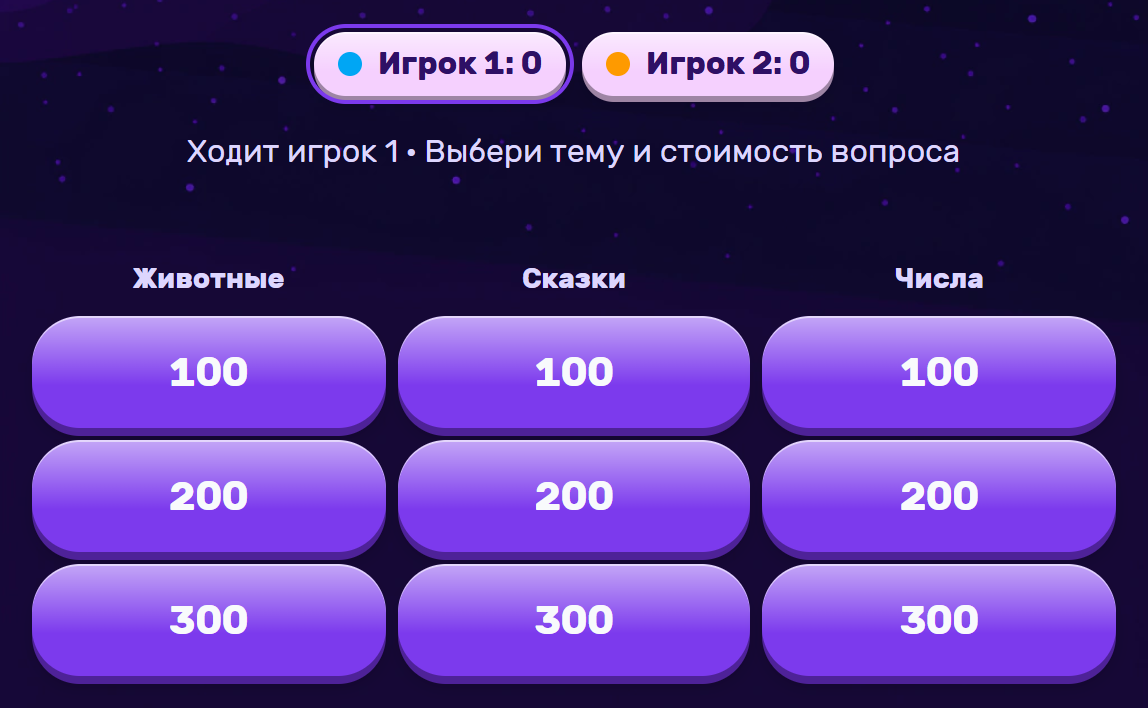 Topic quiz boardA board of topics and values: teams pick a question, the host marks the answer.
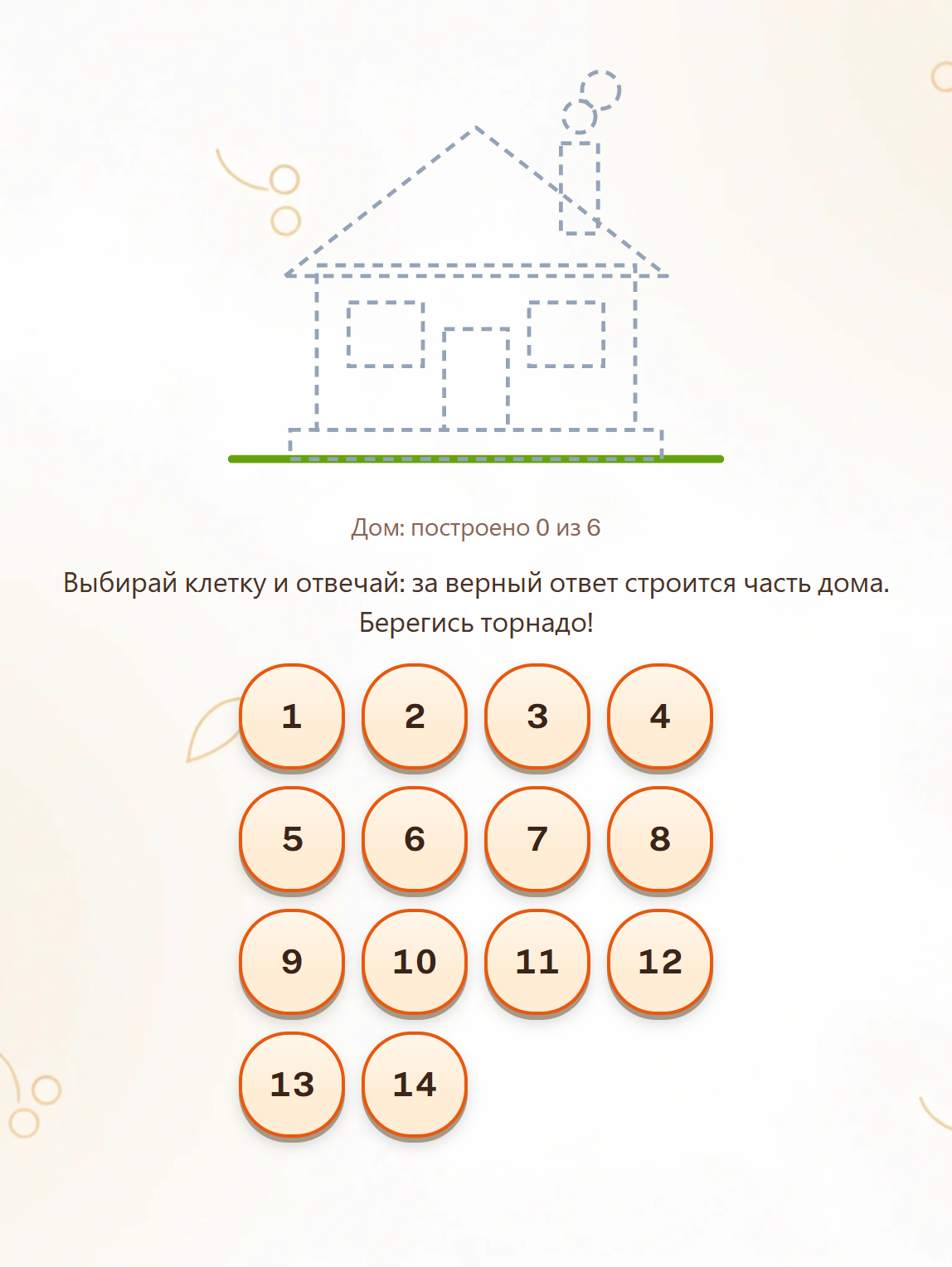 TornadoAnswer the questions and build a house part by part — but beware the tornado: it knocks the house down.
 True or falseA statement answered with true or false.
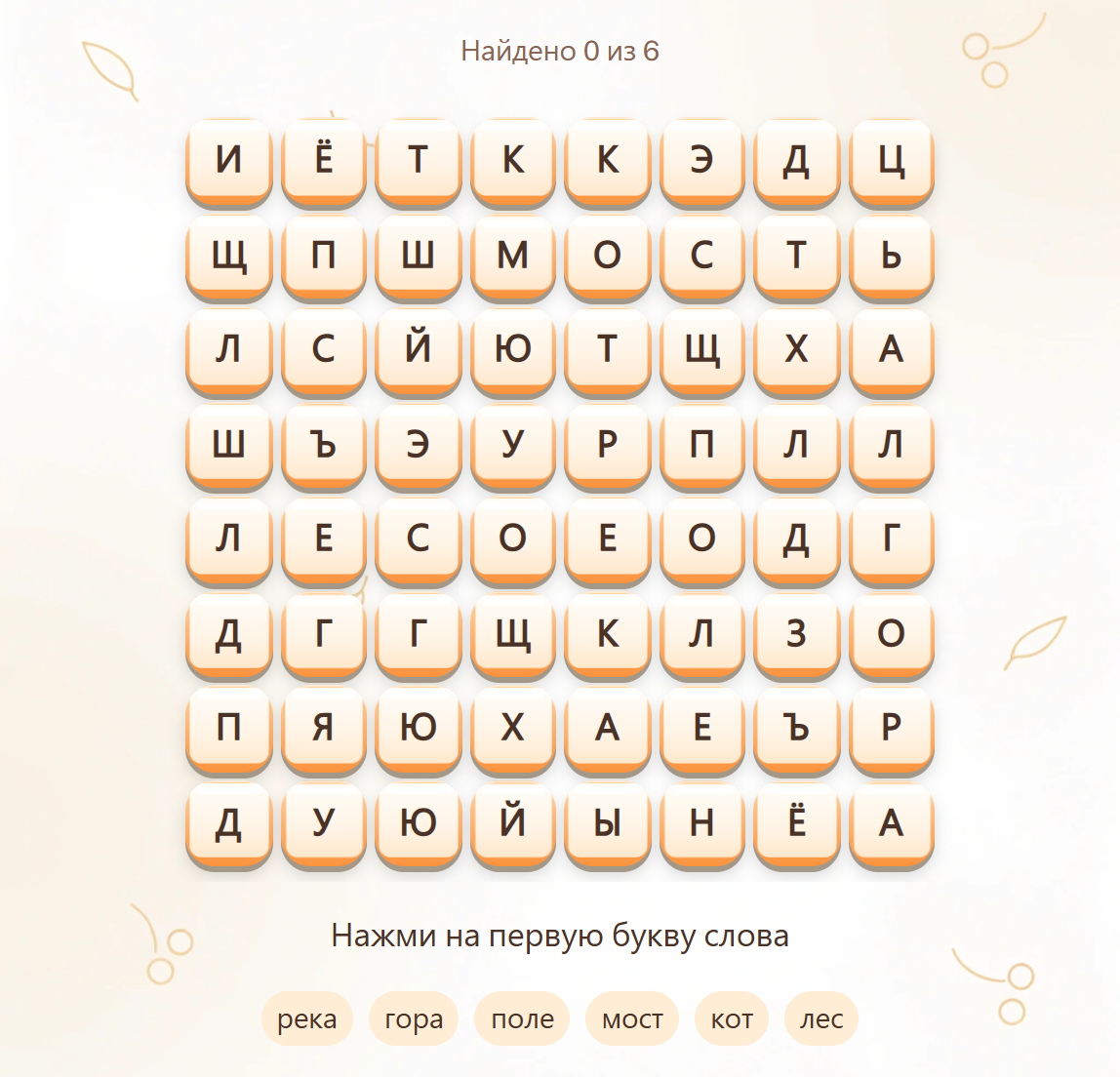 Word searchYour words hide in a grid of letters — find them and swipe across.
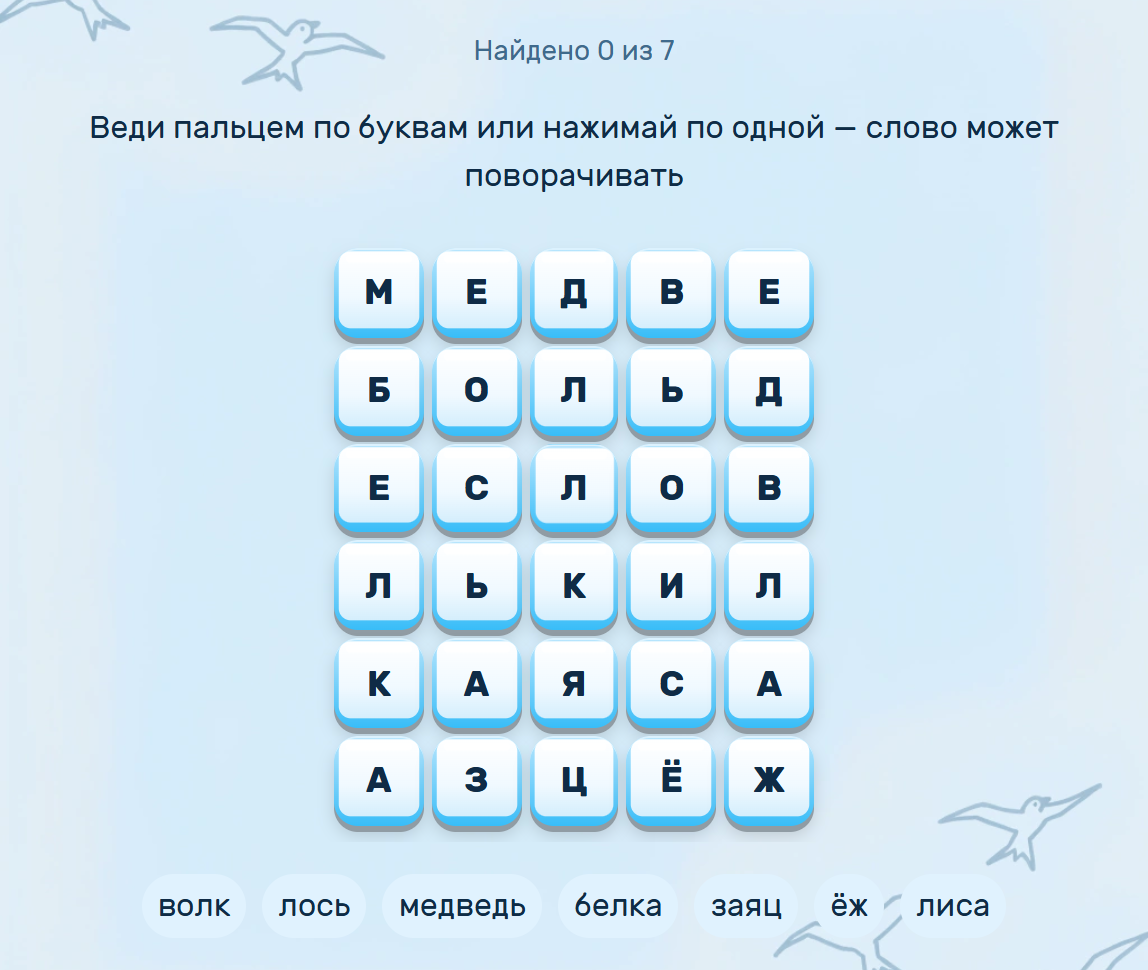 Word snakeA word snake from your words: they wind through a grid with no spare letters — find and trace them.
Make an interactive game online for free — in three steps
- 1Pick a game — for a lesson, a session or homework. It already holds an example, so you can see how it works.
- 2Replace the example with your own words, questions or pictures — the game is ready at once: play it on screen or print the tasks with the answers on a separate page.
- 3Sign up — it is free: then you can save games in your account, edit them and send them to children by link, and on a paid plan see how each child did.
One material — different games
BrainTool is a platform for making interactive games for any subject and age, for preschoolers and school pupils. For example, a speech therapist builds a picture game to practise a sound, a tutor makes a crossword from the words of an English lesson, a nursery teacher sets up a board game for the whole group on the interactive whiteboard, and a teacher makes a quiz to check a topic. Type the words in once and play with them in different ways: a word snake today, an anagram or a word search tomorrow. For those who cannot read yet, most games let you use pictures from the library instead of words — there are more than 3,000 of them. Words can be written in English and in other languages.
Settings, themes and printing
Games have settings of their own — for example, time to answer, number of tries, sound. Where a child answers in their own words, you can turn on spoken answers, and an adult nearby can do the checking — handy, for example, in a one-to-one session or with a nursery group. Many games let you pick a theme to suit the mood — for example, “Space” or “Fruit”. And to play without a screen, print the game as a worksheet for the lesson: tasks for the children and the answers on a separate page.